
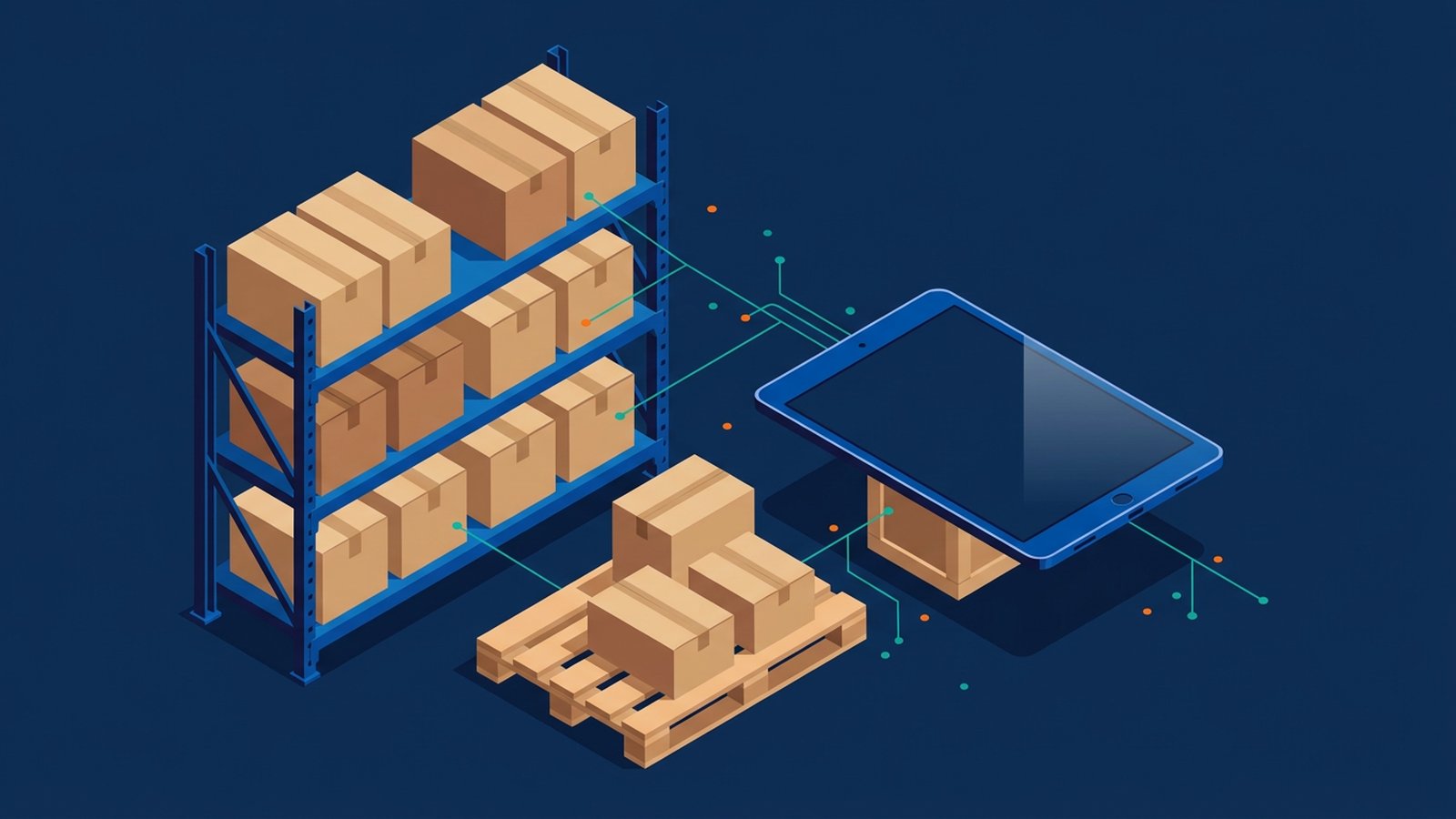
There are boxes on the shelf, but can anyone say how many are ready for the next order? A stock total is useful only when the team understands the movements and commitments behind it.
An inventory management system records what stock a business holds, where it is and how quantities change as goods arrive, move or leave. Its core is the item record and movement history, not a guarantee that every unit shown can be promised to a customer.
Read the quantity before promising the stock
A SKU (stock keeping unit) or other product code identifies the item. The record typically includes a name, counting unit and quantity on hand, often by location. On-hand stock is not necessarily available stock: some may already be reserved for orders. Where reservation and availability figures are supported, check their definitions and which movements update them before using them to promise delivery.
Test three movements, not just a stock total
Use this illustrative sequence when evaluating software. Keep the same item code throughout and check the record after each step:
- Receipt: record goods arriving, against a purchase order where supported. Check the counting unit, received quantity and destination.
- Transfer: move some goods from a storeroom to a shop. Check both locations; a transfer is not a sale or a write-off.
- Stocktake: compare the physical count with the recorded figure. Investigate a difference before an authorised person posts an adjustment.
Then ask when picking or shipping reserves or deducts stock in this product. Reports should let you check quantities and movements where supported. Reorder points or low-stock alerts can flag a threshold you set; a reminder does not itself place a purchase order or forecast demand.
Barcoding, lot or expiry tracking, reservation functions and a full warehouse module are options to confirm, not assumed capabilities.
Spreadsheet, inventory system, POS, ERP and WMS: what is the difference?
A spreadsheet can list quantities, but the team must maintain a consistent history of changes, especially with several editors. An inventory system is built around those movements and locations.
A POS system often deducts stock at the counter when an item is sold. That helps in a shop, but a POS does not always own purchasing, storeroom locations or warehouse quantities. An inventory system, or the inventory module of an ERP system, usually holds those records.
A warehouse management system (WMS) is a more specialist layer for bin locations, pick paths and warehouse tasks. Many small retailers, restaurants and clinics do not need a separate WMS.
Connecting inventory to your other systems
Inventory software can exchange data through supported APIs with a POS, an online shop, purchasing tools or accounting software. This is system integration, and it allows workflow automation: a counter sale can deduct stock and a purchase receipt can increase it, with records later reaching the accounts through the relevant integration.
Decide early which system owns SKU codes and the official stock quantity, so the same figure is not edited twice.
Cloud software runs in the provider's service; on-premise software runs on your servers. Shared access depends on connectivity and the setup. Confirm hosting, exports, outage handling and later synchronisation rather than assuming either deployment works offline.
Access and data security
An inventory system holds supplier, location and stock records that affect purchasing and sales:
- Use role-based access control so shop-floor staff can receive and pick stock, but only designated people can post adjustments or change reorder points.
- Turn on multi-factor authentication for administrator accounts.
- Remove access when someone leaves.
How to plan an inventory system
- Locations: list every place stock is held, and whether you need quantity by location.
- Units: agree the unit you count in, and how packs relate to single items if both are used.
- Who may adjust stock: decide who can post a write-off or count adjustment, and whether it needs a second review.
- How often you count: a full stocktake, cycle counts, or both.
- Data you can export: confirm you can export SKUs, quantities and movement history.
Frequently asked questions
If we already have a POS, do we still need inventory software?
A counter POS may be enough for one simple location. A separate inventory system or ERP module helps when stock is in more than one place, or you need stocktake and transfer records.
Is inventory software the same as an ERP?
Not always. Some products are inventory-only. An ERP often includes inventory as one module, with purchasing, sales orders and finance.
Start with one item and ask the team to explain every receipt, transfer and adjustment behind its balance. If the history cannot be followed, resolve that gap before relying on the available figure for the next order.