
technine.io
Automated UI & User Journey Testing

Know when a critical user journey stops working

technine.io maps the journeys that matter, turns them into repeatable web, browser, and native mobile checks, and reports clear evidence when an agreed step fails — before release or on a scheduled production run.

Testing, alerts, and reporting are included. Application fixes are separately scoped.

Controlled journey comparing the expected and observed booking result. Expected result: Confirmation and reference appear. Observed result: Confirmation element missing.

Booking confirmation journey

  1. Sign in: Pass
  2. Submit booking: Pass
  3. Confirm result: Exception

Evidence captured: Screenshot + step trace. Response: Alert and report. Controlled demonstration — not client evidence

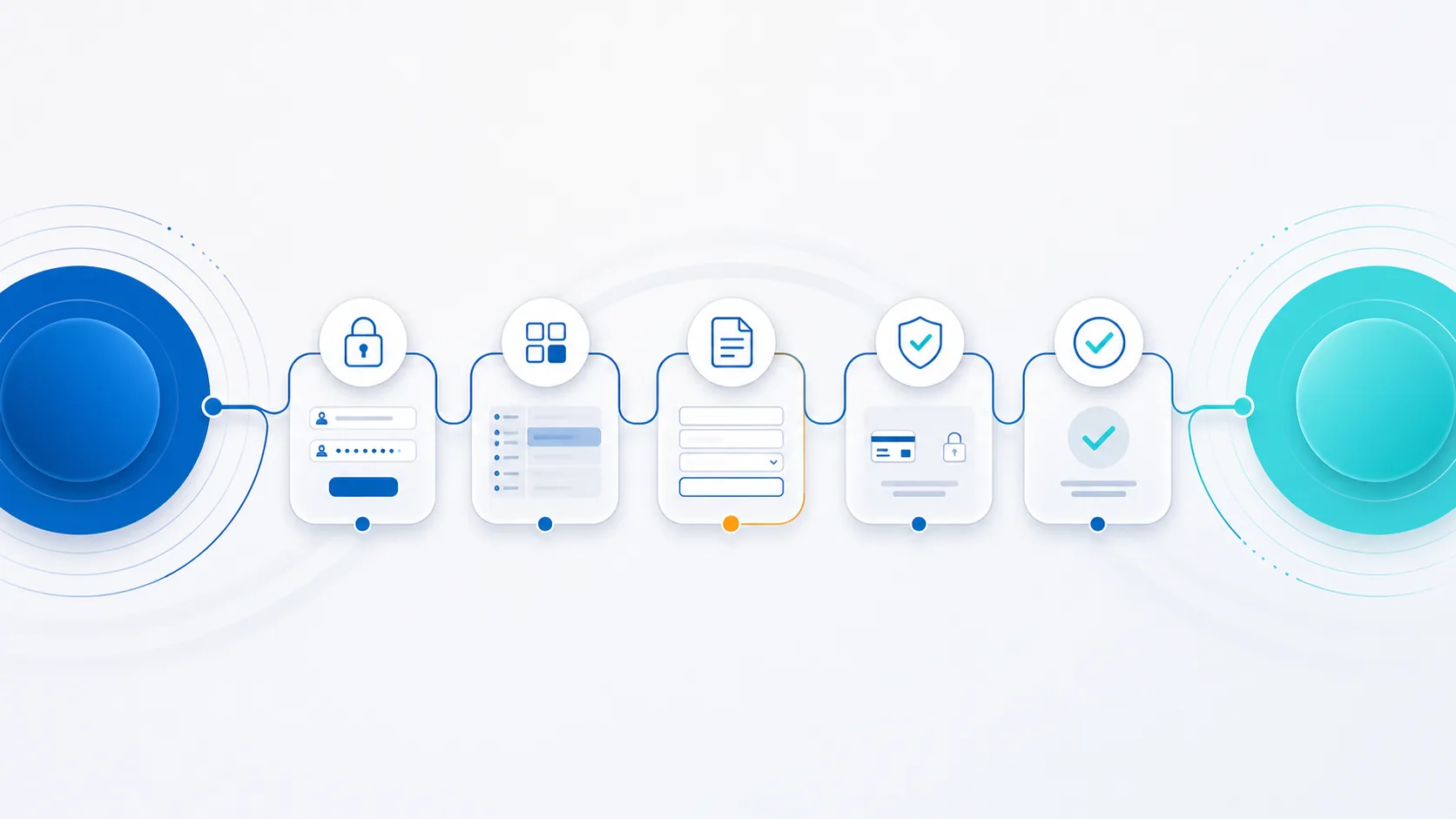
Illustration of an expected user journey being checked from sign-in to confirmation
Service illustration — not client evidence

A healthy server can still hide a broken user journey

Uptime only shows that a service responds. It does not prove that a person can sign in, complete a form, finish a booking, use a mobile flow, or receive the expected confirmation.

  • Check agreed user actions, not only URLs and server responses
  • Compare the observed result with an approved expected result
  • Keep screenshots, traces, and step context for review

Turn one critical journey into a monitored contract

Each check follows the approved path and records the evidence needed to understand where the journey changed. The exact steps depend on the system, environment, and risk.

  1. Sign in

    Authentication completes and the correct landing view appears.

  2. Navigate

    Menus, links, modals, and route changes remain usable.

  3. Enter details

    Required fields validate and agreed data is retained.

  4. Complete the action

    The safe test submission, booking, or sandbox transaction completes.

  5. Confirm the result

    The expected message, record, or next state is visible.

Two operating modes, one evidence standard

Use the same approved journey before release and after launch, with safeguards suited to each environment.

Pre-release validation

Check the journey before handover or deployment

Run agreed checks against a preview, staging build, test device, or release candidate so regressions can be reviewed before users receive the change.

  • Web and browser coverage
  • Native mobile builds with agreed access
  • Controlled test accounts and data
  • Evidence for the release decision
Scheduled production monitoring

Recheck safe journeys on an agreed schedule

Run non-destructive checks against production using controlled accounts and data. If an agreed step fails, the service returns evidence through the agreed alert and reporting channel.

  • Agreed cadence and environments
  • Non-destructive production paths
  • Screenshots, traces, and step context
  • Alert and report handoff

How the service is established

Automation starts with human review. We agree what matters, prove the path manually, then build and operate checks around that approved baseline.

  1. 01
    Discover

    Map critical journeys

    Review the running interface, source access where agreed, user roles, interaction points, and the failures that would matter most.

  2. 02
    Walk through

    Approve the expected path

    Complete the journey from an end-user perspective and agree the test data, expected result, and safe evidence to retain.

  3. 03
    Automate

    Build repeatable checks

    Implement the approved web, browser, or native mobile steps and validate them against a controlled environment.

  4. 04
    Operate

    Schedule, alert, and report

    Run at the agreed time, provide evidence when a step fails, and review changes to the monitored journey separately.

A failure report should answer what changed

The output is an evidence package, not a decorative dashboard. It should identify the journey, environment, device, failed step, expected result, observed result, and response handoff.

Controlled sample — illustrative outputThe example is a controlled sample that demonstrates report structure only. It is not client evidence and contains no production data or performance metric.
Controlled sample — illustrative output

Booking confirmation journey

Attention required
Journey
Sign in → choose slot → submit → confirm
Operating mode
Pre-release validation
Environment
Staging with controlled test data
Device
Desktop browser test profile
ExpectedConfirmation message and booking reference appear.
ObservedSubmission completes, but the confirmation element is not found.
Evidence retained
Failure screenshot, step trace, and run context.
Response handoff
Alert and report issued for review; remediation is scoped separately.

Where journey monitoring is most useful

Start where a broken interface creates customer loss, operational delay, or repeated manual checking.

Commerce and payment journeys

Product selection, cart, sandbox payment, confirmation, and order status.

Booking and access flows

Availability, reservation, approval, QR or pass delivery, and cancellation.

Customer and member portals

Applications, accounts, documents, profile changes, and approval journeys with defined data boundaries.

SaaS and internal tools

Onboarding, role-based access, admin actions, records, and operational handoffs.

Native mobile service journeys

Agreed app builds, device profiles, permissions, navigation, forms, and confirmation states.

Public service and high-volume forms

Identity steps, uploads, validation, submissions, and result delivery.

Clear boundaries make the checks dependable

The monitored scope, environment, test data, cadence, and response route are agreed before recurring runs begin.

Included in the monitoring service

  • Critical-journey discovery and manual walkthrough
  • Approved web, browser, or native mobile checks
  • Pre-release or scheduled production execution
  • Controlled accounts, data, and environment rules
  • Failure screenshots, traces, alerts, and reports
  • Review when the agreed journey changes

Separately scoped or excluded

  • Automatic changes or fixes to a production system
  • Unapproved destructive actions or live monetary transactions
  • A promise to test every screen, button, or device combination
  • Human usability, accessibility, security, or performance testing
  • Bypassing MFA, CAPTCHA, permissions, or platform controls
  • Product remediation, development, and release work

Automated UI & User Journey Testing

Automated UI & User Journey Testing in Hong Kong

Automated UI testing validates agreed critical journeys across browser and native mobile interfaces using controlled test cases and data. It produces evidence, alerts, and reports; application fixes are scoped separately.

Product, operations, QA, IT, and management teams that need to protect login, onboarding, forms, booking, checkout, role-based access, and other important digital workflows.

Direct answers

What is Automated UI & User Journey Testing?
Automated UI testing validates agreed critical journeys across browser and native mobile interfaces using controlled test cases and data. It produces evidence, alerts, and reports; application fixes are scoped separately.
Who is it for?
Product, operations, QA, IT, and management teams that need to protect login, onboarding, forms, booking, checkout, role-based access, and other important digital workflows.
How does a project usually start?
Map critical user journeys -> Design test cases and safe test data -> Build browser and native mobile automation -> Run pre-release and scheduled production checks -> Deliver evidence, alerts, and reports

Common use cases

Login, onboarding, and account journeys

Forms, booking, checkout, and payment flows

Role-based and permission-sensitive workflows

Pre-release regression and scheduled production checks

How we work

Map critical user journeys

Design test cases and safe test data

Build browser and native mobile automation

Run pre-release and scheduled production checks

Deliver evidence, alerts, and reports

FAQ

Frequently asked questions

Which interfaces and journeys can be tested?

The service can test agreed critical journeys across websites, browser applications, and native mobile apps, including login, onboarding, navigation, forms, booking, checkout, role-based access, and expected results.

When are automated UI tests run?

Tests can run before release for regression coverage and on an agreed production schedule using controlled accounts, data, and safety steps.

Does the service include application fixes?

No. The service provides failure evidence, alerts, and reports. Investigation or application fixes require a separately agreed scope.

Talk through scope, timeline, and next steps

Start with one journey the business cannot afford to lose

We can review the path, operating risk, environment, and evidence needed to decide whether automated monitoring is a practical fit.

The first conversation focuses on scope and safe execution. Fixes and ongoing development are planned separately.

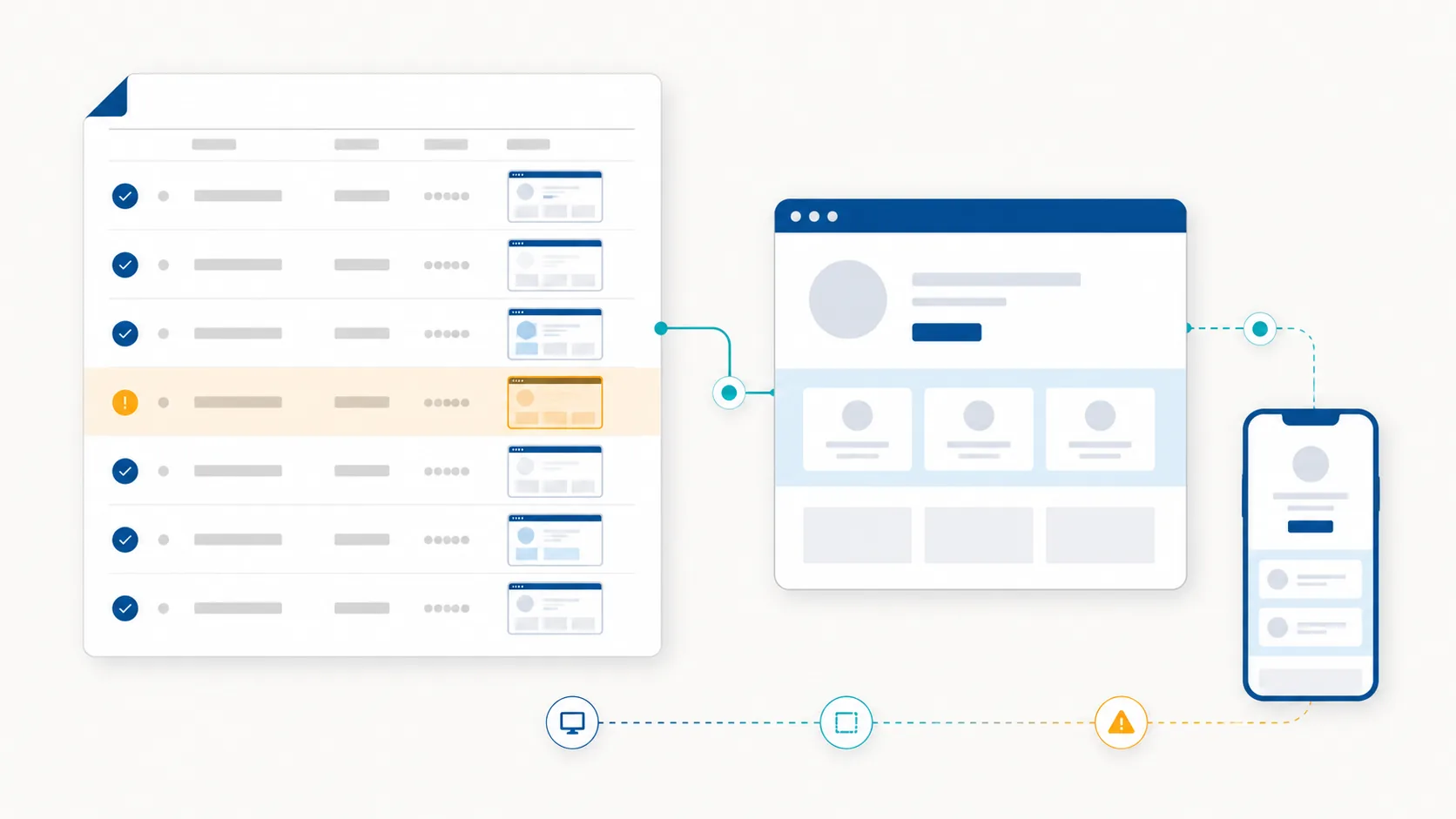
Illustration of automated UI testing evidence across web and native mobile journeys
ConsultWhatsApp