Software and API integration
Connect ERP, CRM, payment, logistics, accounting, booking, membership, cloud platforms, custom systems, and third-party APIs.

technine.io connects software, hardware, APIs, CRM, ERP, messaging, devices, and automation rules so teams can reduce repeated manual work and keep operations easier to control.
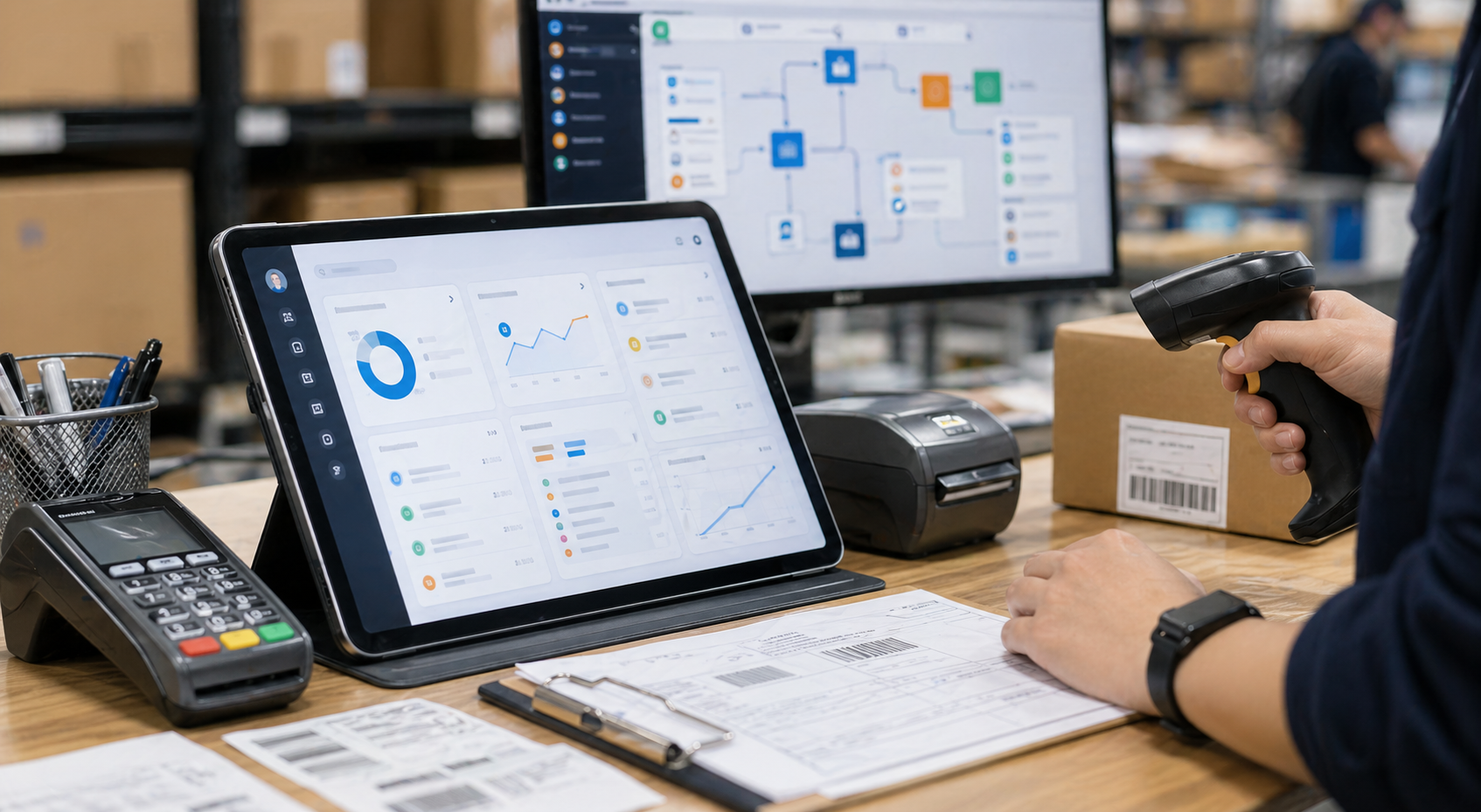
Most automation work is not only software and not only hardware. It sits between business rules, legacy systems, vendors, devices, data formats, approvals, and real operating constraints. We design the integration layer so information moves reliably and teams can automate the work that used to depend on manual coordination.
We handle the difficult middle layer where business software, hardware signals, third-party services, and internal processes need to become one reliable workflow.
Connect ERP, CRM, payment, logistics, accounting, booking, membership, cloud platforms, custom systems, and third-party APIs.
Connect Bluetooth or BLE devices, MQTT services, LoRa or LoRaWAN networks, gateways, sensors, controllers, and onsite equipment.
Turn manual handovers into controlled flows with validation, approvals, notifications, exceptions, audit trails, and human review points.
Build middleware, connectors, queues, sync jobs, webhooks, data mapping, retry logic, and monitoring between systems.
Give teams one place to monitor integration status, business events, device signals, failed jobs, reports, and next actions.
Prepare clean events, structured records, and decision points so AI can later assist routing, summaries, alerts, and operations.
Integration becomes valuable when systems share reliable data. Teams can remove repeated work, reduce errors, and make decisions from one operating view.
We treat integration as an operating flow, not a single API task. The software side, hardware side, and automation logic are designed together.
Business platforms, databases, mobile apps, admin portals, APIs, SaaS tools, payment gateways, CRM, ERP, and cloud services.
Bluetooth or BLE devices, MQTT brokers, LoRa gateways, sensors, controllers, kiosks, serial devices, machines, and edge networks.
Rules, approvals, alerts, retries, logs, exception handling, dashboards, support workflows, and AI-ready business events.
Every project is different, but these are the components we often build when connecting complex systems.
These projects usually appear when an existing team, vendor, or package cannot cover the full software-and-hardware operating reality.
We design the missing logic around authentication, mapping, validation, approvals, retries, logs, and operational visibility.
We connect device signals to apps, dashboards, databases, notifications, and business rules without forcing teams into separate panels.
We define clear integration boundaries and build the middleware that keeps vendor tools, custom software, and operations aligned.
We keep approvals, exception handling, audit trails, and human-in-the-loop controls visible from the start.
Difficult integration needs disciplined discovery before development. We map what exists, define the target workflow, then build and validate the connection under real operating conditions.
We document current software, hardware, vendors, protocols, data sources, manual steps, ownership, and operational pain points.
We define what should trigger, sync, approve, fail, retry, notify, log, and appear on dashboards before implementation starts.
API contracts, protocol handling, data mapping, security, middleware boundaries, queues, and monitoring are planned together.
We build the software services, device bridges, webhooks, dashboards, notifications, and automation rules needed for the workflow.
We test success paths, failed messages, offline devices, bad data, permission errors, retries, reports, and operator handover.
After launch, logs, alerts, support issues, usage reports, vendor changes, and new automation opportunities are reviewed.
Capture the rules, practical knowledge and exceptions behind a business process, then connect the system tools it needs. Our Enterprise AI Skills & Integration service covers skill engineering, APIs and MCP where suitable, evaluation and handover.
Explore Enterprise AI Skills & IntegrationSystem Integration & Automation
System integration connects separate tools and data flows so teams can reduce duplicate entry, automate handoffs, and keep business records synchronized.
Teams using multiple systems that need cleaner data movement, API connections, workflow automation, alerts, and operational visibility.
CRM and ERP integration
API and webhook workflows
Data synchronization
Automated notifications and approvals
Audit existing systems
Define integration contract
Build connectors and workflow logic
Monitor failures and support changes
FAQ
We integrate APIs, databases, CRM, ERP, payment, logistics, cloud tools, vendor platforms, and custom internal systems.
We define data ownership, error handling, retry logic, monitoring, permissions, and rollback paths before automating key workflows.
Yes. We usually start with high-volume or high-error workflows, then expand once the data flow and operating rules are proven.
Relevant work
Explore client projects related to this solution.
Showing related use cases page 1 of 2.

Our client runs a customer service centre and needed to digitise the repair intake, status tracking, and customer follow-up workflow.

Our client is an overseas property management company. They needed a corporate website integrated with CRM so property details could be displayed clearly by category.

This membership app gives each member a profile QR Code, facility reservations, event information and service updates. The cloud administration portal connects to the existing member database and lets the management team configure booking rules, publish activities and export attendance records.
Start with a clear map of the software, hardware, vendors, data, business stage, and workflow you need to automate.
We can assess the current setup, identify the safest integration path, and build the middleware or automation layer needed to make it work across operations, data, vendor coordination, and long-term support.