
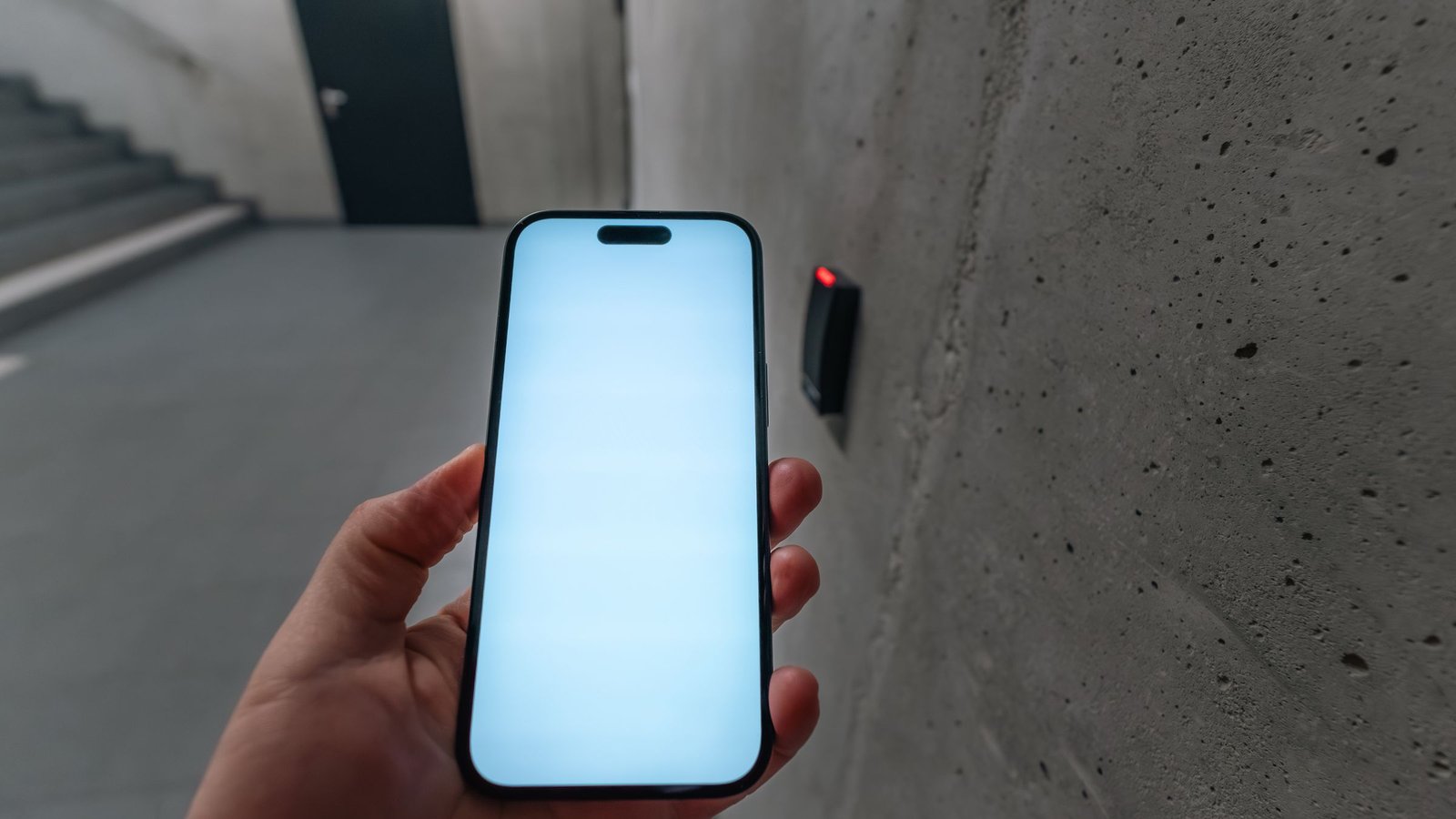
Multi-factor authentication (MFA) means proving who you are with more than one type of evidence before a system lets you in. A password alone can be guessed, reused or stolen. MFA adds at least one further check, so knowing the password is not enough on its own.
What the factors are
Factors are usually grouped into three kinds:
- Something you know: a password, PIN or security question.
- Something you have: a phone that receives a code, an authenticator app, a hardware security key, or a card used for access.
- Something you are: a biometric check such as a fingerprint or face unlock on a device you control.
True MFA combines factors from different groups. Asking for a password and then another password is not MFA. Two-factor authentication (2FA) is the common case of MFA that uses exactly two factors. Product settings often use the terms interchangeably.
Common MFA methods
- Authenticator apps: an app on your phone shows a short code that changes every few seconds. You type it after the password. The code is generated on the device, so it does not depend on a text message arriving.
- One-time codes by SMS or email: the system sends a code to a registered phone number or inbox. These are widely supported, but SIM swap and inbox takeover are known risks, so many teams prefer an app or hardware key for important accounts.
- Push prompts: after the password, a trusted app asks you to approve or deny the sign-in.
- Hardware security keys: a small USB or NFC device that you tap or insert to prove possession.
- Biometrics on a trusted device: unlocking a phone or laptop with fingerprint or face, then using that device as one factor for an app or browser session. Biometric data typically stays on the device; policies differ by product.
Which method fits depends on the system, the user group and the risk you accept. Staff admin panels, cloud consoles and payment back offices often need stronger options than a low-risk marketing site login.
Why it matters for business websites and apps
- Stolen passwords are common. People reuse passwords across work and personal accounts. MFA reduces the chance that a leaked password alone opens your admin area, email or hosting console.
- Privileged accounts need extra care. Accounts that can change prices, export customer data, deploy software or reset other users should not rely on a password only.
- Remote work widens access. Staff sign in from home networks and personal devices. An extra factor makes a password stolen in a phishing email less useful on its own.
- It complements other controls. MFA fits alongside identity ideas such as zero trust, and alongside transport protection such as an SSL certificate. Encryption in transit and login strength solve different problems.
Illustrative example: A Hong Kong retailer runs an online store and a separate admin panel. Staff used only passwords for the panel. After MFA is turned on, each login needs the password plus a code from an authenticator app. A reused password from an unrelated breach is no longer enough to open the panel. Shoppers on the public site still use the normal checkout; MFA here protects staff and operator accounts.
What MFA does not do
- It does not replace a strong unique password for the first factor, or a password manager that helps staff avoid reuse.
- It does not fix every phishing case. Some attacks trick people into approving a push or entering a code on a fake site. Hardware keys and phishing-resistant methods help more, but awareness still matters.
- It does not replace backups, monitoring or access reviews. Lost phones, departed staff and shared emergency codes need clear recovery and off-boarding steps.
- It is not available everywhere. Some legacy systems or partner portals may not support MFA. Those accounts still need a plan.
What to ask your team or vendor
- Which accounts have MFA today — staff, admins, hosting, email, payment and cloud consoles?
- Which methods are allowed, and which are required for privileged roles?
- How do staff recover access if a phone is lost, and who can reset MFA?
- Are recovery codes stored safely, and are shared printed codes avoided where possible?
- When someone leaves, how quickly is MFA and account access removed?
- Does any public customer login need MFA, or only internal and admin access?
Turning on MFA for admin and cloud accounts is often part of day-to-day security once a system is live. For how technine.io approaches ongoing protection and response expectations, see our cybersecurity and compliance work and managed support and SLA.
Frequently asked questions
Is MFA the same as 2FA?
2FA is MFA with exactly two factors. MFA is the broader term and can use two or more. Product screens often use either label for the same idea.
Do customers always need MFA on a public website?
Not always. Many sites use MFA for staff and admin tools first. Customer MFA is more common for banking, health, wallets or accounts that hold sensitive personal data. The choice depends on product risk, not one rule for every site.
Is SMS the best second factor?
SMS is better than a password alone and is easy to roll out. For high-value admin and finance accounts, authenticator apps or hardware keys are usually preferred because they are harder to intercept than a text message.