
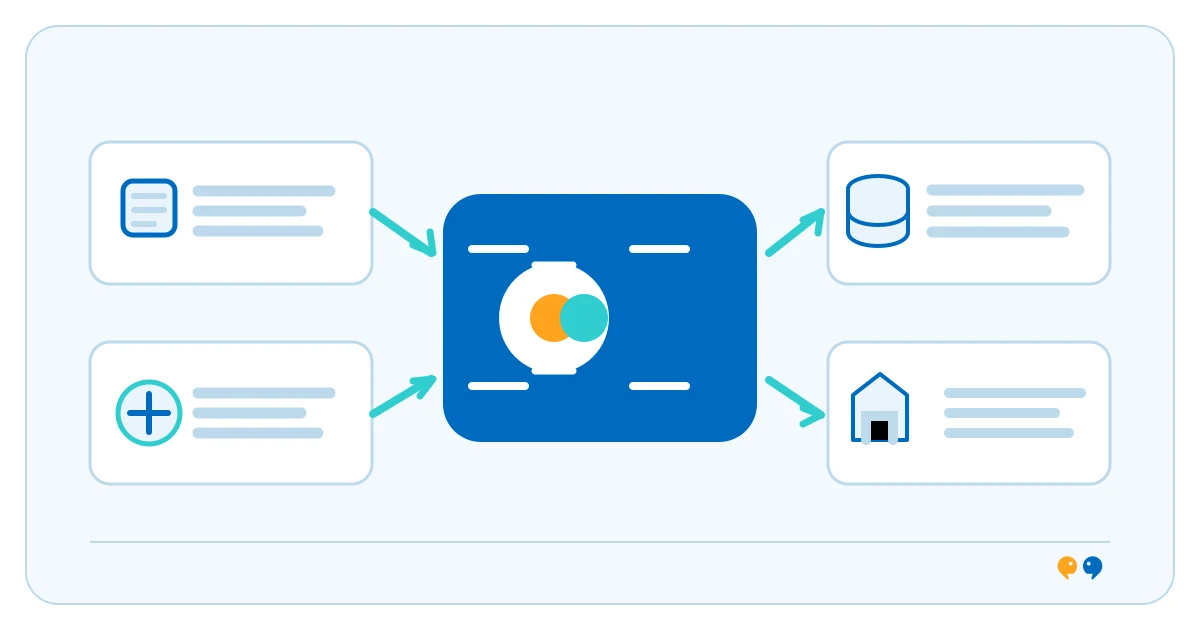
System integration connects separate applications, services or devices so they can exchange data or coordinate part of a business process. The connection might use an API, events, a scheduled file transfer, a shared platform or another defined interface. The right pattern depends on what the systems can do and how often, in which direction and at what volume data needs to move. Microsoft’s integration requirements guidance highlights these dimensions.
How system integration works
Teams first identify the systems, data owner, direction of exchange, timing, required transformations and access rules. They then choose a connection pattern, map fields between systems, handle validation and errors, and decide how to monitor or reconcile transfers. Microsoft’s overview of integration patterns describes options such as event-driven flows and data consolidation; a business landscape can use more than one pattern.
Illustrative business example
Illustrative example: When a support ticket is marked resolved, a service platform could send the case identifier and status to a reporting system. The integration checks that the case can be matched, applies the receiving system’s field format and records any rejected update for review. The example does not assume any specific product or customer result.
Integration and workflow automation
System integration is about connecting systems and managing their data exchange. Workflow automation defines how work proceeds through triggers, conditions, actions and possibly approvals. One workflow may use several integrations; an integration can also exchange data without automating a whole process. Read what an API is and how workflow automation works.
What integration does not solve by itself
A connection does not settle which system owns a value, how conflicting updates should be resolved or who investigates a failed transfer. Systems can change their interfaces, access permissions or data formats. Define monitoring, retry and recovery behavior, protect sensitive fields and assign responsibility for ongoing changes before the integration becomes part of daily operations.
For a service-focused overview, see technine.io’s system integration and automation service.
Frequently asked questions
Does system integration always require an API?
No. APIs are common, but integrations can also use event notifications, managed connectors, files or other interfaces, depending on the systems and requirements.
Is connecting two systems the same as automating a workflow?
No. A connection enables exchange; a workflow defines the sequence of work and decisions. A workflow may use integrations as steps.
What should teams decide before integrating systems?
Identify data ownership, direction and frequency, field mapping, permissions, error handling, monitoring and who maintains the connection when either system changes.
Primary sources: Microsoft: Determine integration requirements · Microsoft: Explore integration patterns