
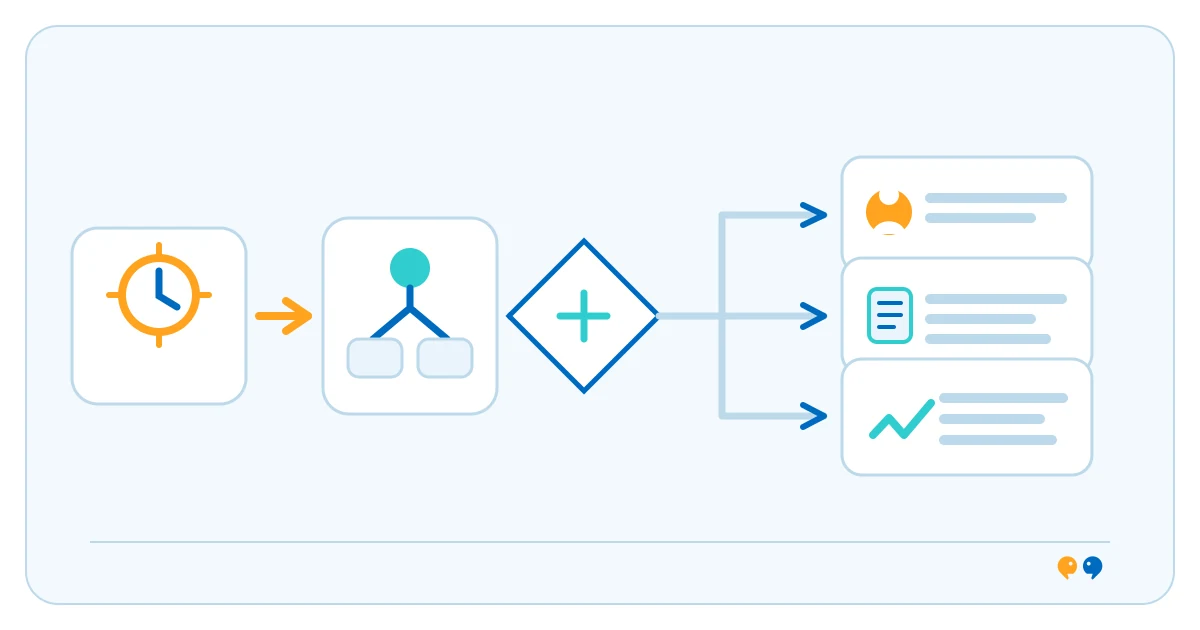
Workflow automation uses software to move work through defined steps when a trigger or condition is met. A workflow may collect information, check a rule, update a system, notify someone or pause for approval. Microsoft’s Power Automate overview describes cloud flows that can run automatically, on demand or on a schedule.
How a workflow automation works
A team maps the process: what starts it, what information is needed, which conditions affect the next step and what should happen when an exception occurs. The automation then runs configured actions, which may call another system or send work to a person. Some workflows are fully rule-based; others include an AI component, but AI is not required. Assigning an owner and monitoring failed runs are part of operating the workflow.
Illustrative business example
Illustrative example: When a staff member submits a purchase request, an automated workflow could check required fields, route it to the appropriate manager and send the decision back to the requester. A high-value or unusual request may need a separate review step. This example does not imply a specific approval policy.
Workflow automation and system integration
Automation defines the sequence of work, rules and decisions. System integration connects applications so information can move between them. A workflow may rely on several integrations, but connecting two systems does not automatically define who approves a request or what happens when data is missing. Read about system integration and webhooks as event triggers.
Limits and failure handling
Automating an unclear process can make inconsistent decisions happen faster. A workflow can stop when a connected service is unavailable, reject unexpected data or send a task to the wrong person if roles are out of date. Document the process, identify exception paths, limit permissions, keep an audit trail and provide a way for staff to correct or resume failed work.
For a service-focused overview, see technine.io’s system integration and automation service.
Frequently asked questions
Does workflow automation require AI?
No. Many workflows use explicit triggers, conditions and actions. AI may support some steps, but it is optional and introduces its own review and control needs.
Can a workflow include a human approval?
Yes. A workflow can pause, request a person’s decision and continue or route the case based on that decision.
Is workflow automation the same as system integration?
No. Integration moves information between systems; workflow automation coordinates the steps of a process. A workflow may use an integration to complete an action.
Primary source: Microsoft Learn: What is Power Automate?