
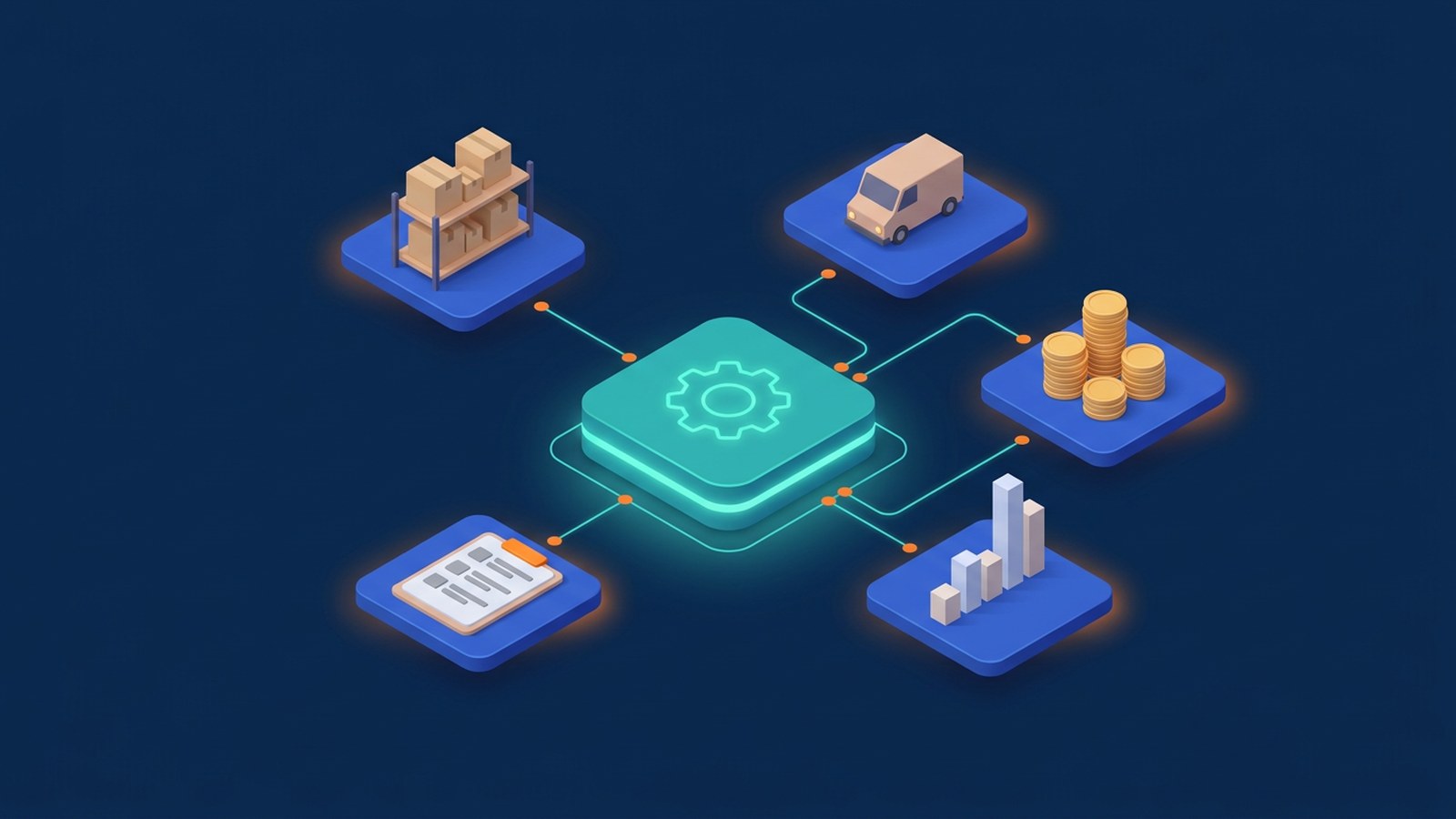
An ERP (enterprise resource planning) system is business software that brings core operations such as accounting, purchasing, inventory, sales orders and, in many products, HR and payroll into one shared database. When a sale is recorded, stock, invoices and the accounts update from the same data instead of being re-typed into separate files.
For a small or medium-sized business, the trigger is usually friction rather than size: orders are entered twice, stock counts do not match and month-end depends on people reconciling files by hand.
What an ERP system covers
ERP products are usually sold as modules:
- Finance and accounting: general ledger, payables, receivables and bank reconciliation.
- Purchasing: supplier records, purchase orders, goods received and matching supplier invoices.
- Inventory and warehouse: stock levels by location, transfers, stock takes and reorder points.
- Sales orders and invoicing: quotations, orders, delivery notes and invoices linked to customer accounts.
- Production: bills of materials and work orders, mainly for manufacturers.
- Reporting: sales, margin, stock and cash views from the same records.
The value is in the links: a purchase order becomes goods received, which updates stock and feeds the supplier invoice and the accounts, with no figures copied across by hand.
ERP, CRM and accounting software: what is the difference?
Accounting software records the financial side: invoices, payments and the ledger. A CRM system focuses on customers before and after the sale: enquiries, contacts, follow-ups and the sales pipeline. An ERP covers the operational flow behind the sale: what you buy, what you hold, what you ship and what it costs. Many ERP products include accounting, and businesses often run a dedicated CRM alongside the ERP and connect the two.
Signs your business may need an ERP
- The same order is typed into an order sheet, a stock file and the accounting software.
- Nobody fully trusts the stock figure, so staff check the shelf before confirming a delivery date.
- Month-end reports take days because figures are exported, combined and checked by hand.
If only one applies, linking two existing tools may be enough.
Cloud ERP, on-premise or custom?
Cloud (SaaS) ERP runs on the provider's servers and is paid by subscription, with hosting and updates handled for you. It suits processes close to the product's standard workflows. On-premise ERP runs on your own servers: more control, but you handle hardware, backups and updates. Custom modules make sense when a process is specific to your business, such as unusual pricing or service workflows. A common middle path is a standard ERP for finance and stock, with custom tools around it for the parts that are genuinely different.
Heavy customisation of a packaged ERP can make later upgrades harder, so change the software only where your process is a real advantage.
Connecting ERP to your other systems
An ERP rarely works alone. Through APIs, it can exchange data with an online shop, a CRM, a booking system or a warehouse scanner app. This is system integration, and it allows workflow automation: for example, an online order creates a sales order in the ERP, reserves stock and triggers a picking list.
Decide early which system owns each type of data, such as product codes, prices and customer details, so the same record is not edited in two places.
Access and data security
An ERP holds financial, supplier and customer data, so protect it like any core system:
- Use role-based access control so staff only see and approve what their job requires; separate who creates a payment from who approves it.
- Turn on multi-factor authentication, or use single sign-on with it, especially for finance and admin accounts.
- Remove access promptly when someone leaves, and check the audit log options.
- Confirm how backups and restores work and who is responsible for them.
How to plan an ERP project
- Map current processes: how an order moves from quotation to payment, and where errors happen.
- Keep the first scope narrow: for example finance, purchasing and inventory, with other modules later.
- Clean data before migration: check product codes, customer and supplier lists and opening stock.
- Test with real scenarios: run user acceptance testing with the staff who will use the system every day.
- Plan the switch-over: set a cut-off date, train users and agree how to handle open orders.
Example scenario: a small trading company keeps orders in spreadsheets, stock in a separate file and accounts in desktop software. After moving to an ERP, a confirmed order reserves stock, the warehouse sees what to pack and the invoice comes from the same record. This is a hypothetical example, not a description of any specific client.
Frequently asked questions
Is ERP only for large companies?
No. Many ERP products target small and medium-sized businesses, and cloud versions let you start with a few modules and users.
How long does an ERP rollout take?
It depends on the modules, data quality, customisation and integrations involved. A narrow first phase is usually easier to deliver and check than replacing everything at once.
Can we keep our current accounting software?
Sometimes. Some businesses connect existing accounting software to separate inventory or order tools instead of adopting a full ERP. Whether that works depends on the products and how much data must move.
For custom business systems and tools around an ERP, see our business systems and platforms services. To connect an ERP with your online shop, CRM or other software, see system integration and automation.