
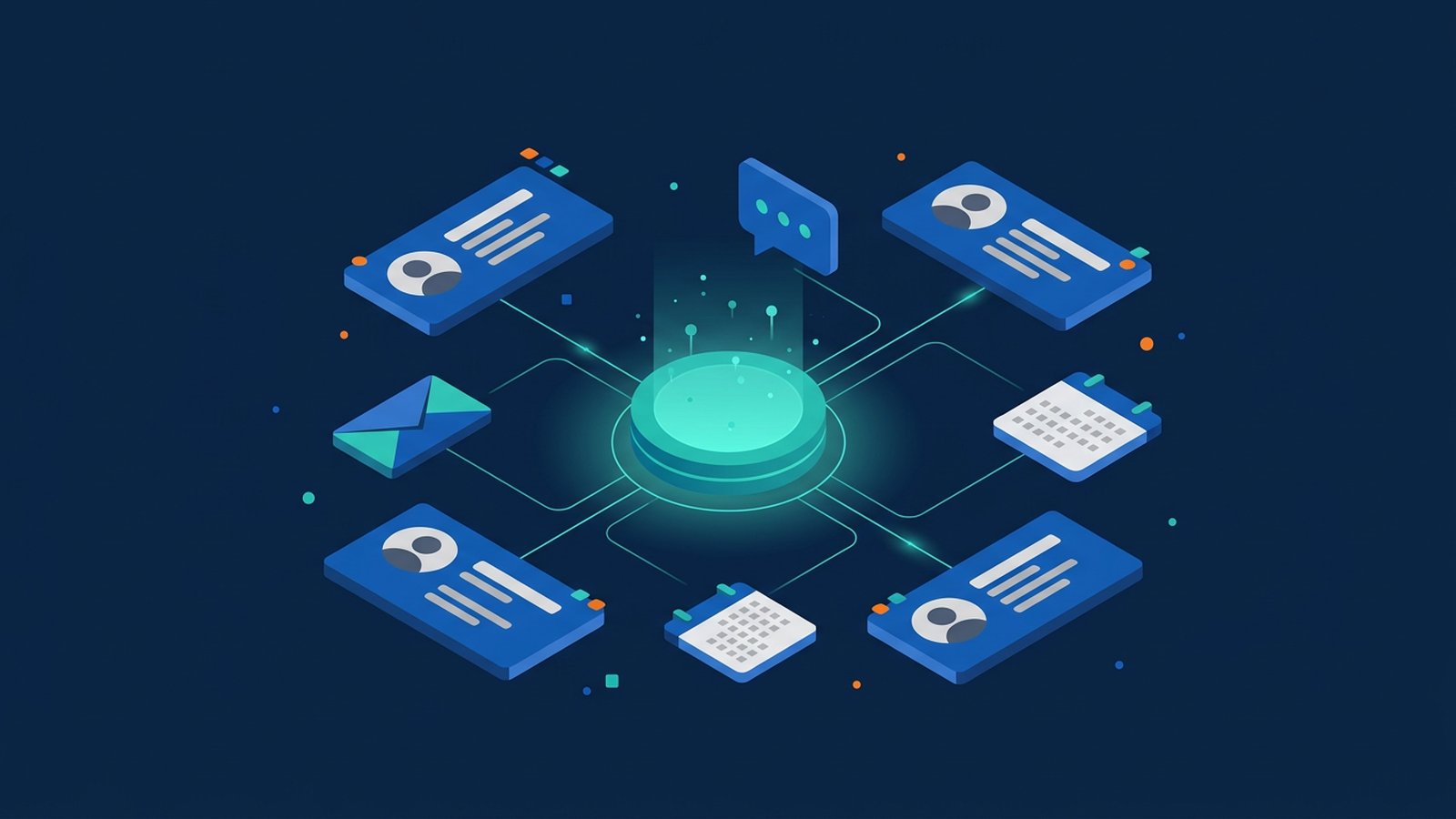
A CRM (customer relationship management) system is software that keeps everything your business knows about its customers and prospects in one shared place: contact details, conversations, enquiries, quotes, orders and follow-up tasks. Instead of separate spreadsheets, inboxes and chat histories, the whole team works from the same up-to-date record.
For a small or medium-sized business, the problem is usually simple: enquiries arrive by website, email, phone and messaging apps, and some are forgotten. A CRM makes each enquiry visible, gives it an owner and shows the next step.
What a CRM system does
- Contact and company records: one profile per customer or company, with phone numbers, email, notes and the history of every interaction.
- Enquiry and lead tracking: new enquiries from web forms, email or manual entry are captured, assigned to a team member and followed up.
- Sales pipeline: deals move through stages you define, such as "new enquiry", "quote sent" and "won", so you can see what is in progress and what is stuck.
- Tasks and reminders: follow-up calls, renewals and meetings are scheduled against the right customer.
- Communication history: emails, call notes and, in some products, chat messages are logged on the record.
- Reports: enquiry sources, open deals and response times, based on the data your team enters.
Extras such as service tickets, email campaigns or quotations are optional modules; choose them only if they match how you work.
Signs you have outgrown spreadsheets
- Two colleagues call the same customer, or nobody does, because there is no clear owner.
- Customer history sits in one person's phone or mailbox and is hard to recover when they are away or leave.
- You cannot easily answer "how many enquiries did we get last month, and from where?"
- Several versions of the same customer list exist, and nobody is sure which is current.
Off-the-shelf CRM or a custom system?
Off-the-shelf (SaaS) CRM products are quick to start, run in the cloud and are paid by subscription. They suit most businesses with a fairly standard sales or service process. A custom or extended CRM may make sense when your process is unusual (bookings, memberships or field service with your own rules), or when the CRM must work closely with an existing in-house system. A common middle path is to use a standard CRM and connect it to your other tools.
Connecting CRM to your other systems
A CRM is most useful when it is not another isolated box. Through APIs and webhooks, it can exchange data with your website forms, email, accounting software, e-commerce platform or booking system. This is a form of system integration, and it opens the door to workflow automation: for example, a website enquiry creates a CRM record, assigns it to the right person and sends a reminder if nobody replies within a set time.
Before connecting systems, decide which system is the master record for customer details, so the same field is not edited in two places with different results.
Customer data, access and privacy
A CRM holds personal data, so treat it as a sensitive system:
- Give each user their own login and turn on multi-factor authentication.
- Use role-based access control so staff only see and export what their job requires.
- Remove access promptly when someone leaves, and check the product's export and audit log options.
- Record how and why each contact's details were collected, and whether they agreed to receive marketing.
In Hong Kong, the Personal Data (Privacy) Ordinance applies to personal data kept in a CRM, and the Office of the Privacy Commissioner for Personal Data (PCPD) publishes guidance, including on direct marketing. Check the official guidance and seek your own legal advice on how it applies to your business.
How to get started
- Map your current process: where enquiries come from, who handles them and what "done" means.
- Define a few pipeline stages and required fields: keep them short so the team actually fills them in.
- Clean your data first: merge duplicate contacts and decide which spreadsheet is the source before importing.
- Trial with real cases: run a pilot with one team, much like user acceptance testing, and adjust before rolling out.
- Add integrations step by step: start with website forms or email, then accounting or booking once the basics are stable.
Example scenario: a small renovation company receives enquiries by web form, phone and messaging app. After moving to a CRM, every enquiry becomes a record with an owner and a follow-up date, and the manager reviews open quotes each Monday. This is a hypothetical example, not a description of any specific client.
Frequently asked questions
Is a CRM only for sales teams?
No. Service, account management and marketing teams often use the same records, so everyone sees the full history.
Can we move our existing customer list into a CRM?
Usually yes. Most CRM products can import spreadsheets, but the result depends on how clean the data is, so deduplicate and standardise fields first.
Will a CRM fix our follow-up problems by itself?
Not on its own. It makes enquiries visible, but the team still needs clear rules on ownership and response times.
If you need a CRM connected to your website, booking or accounting systems, see our system integration and automation services. For custom business systems and internal tools, see business systems and platforms.