Admin & dashboards · Design concept
Sales CRM dashboard
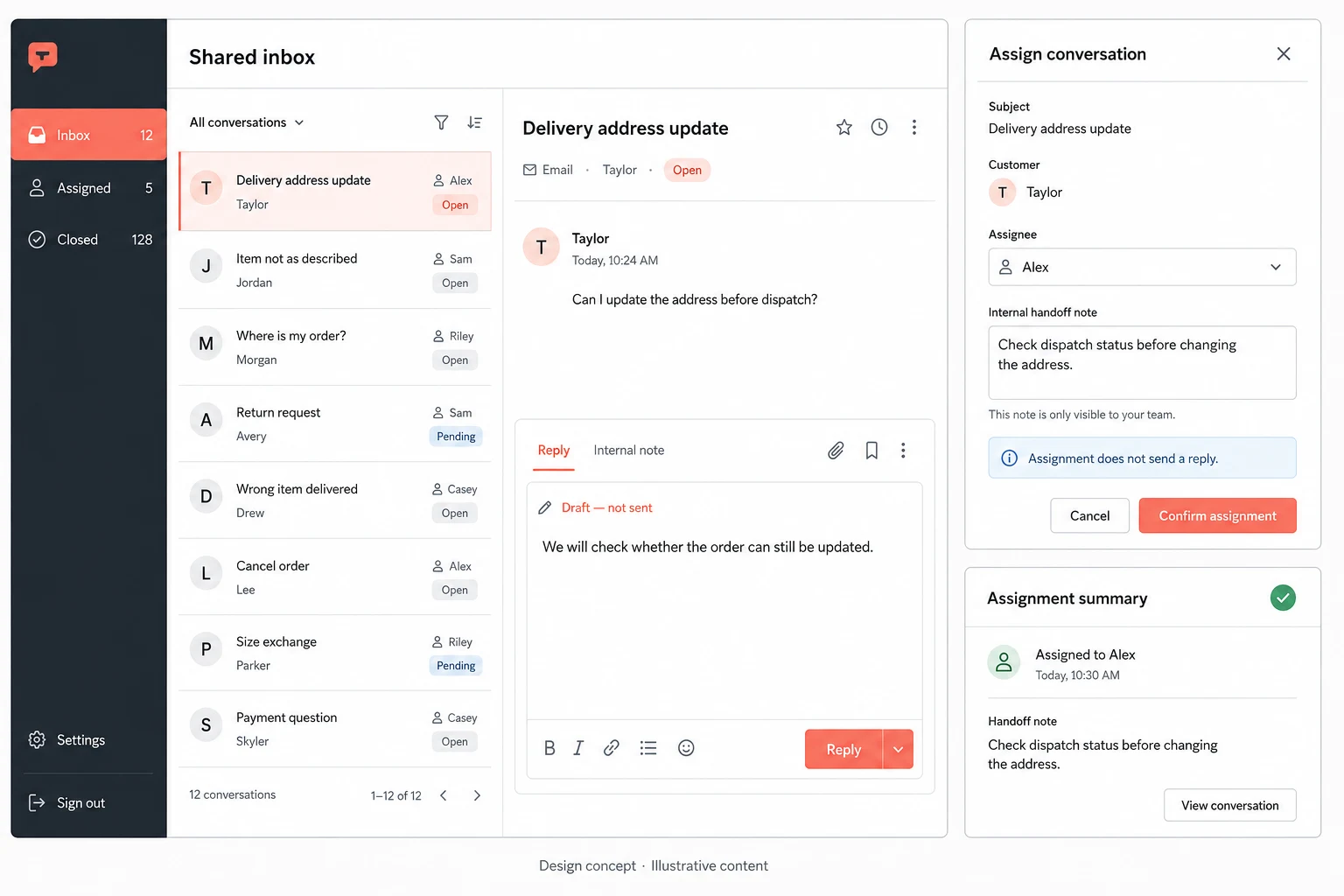
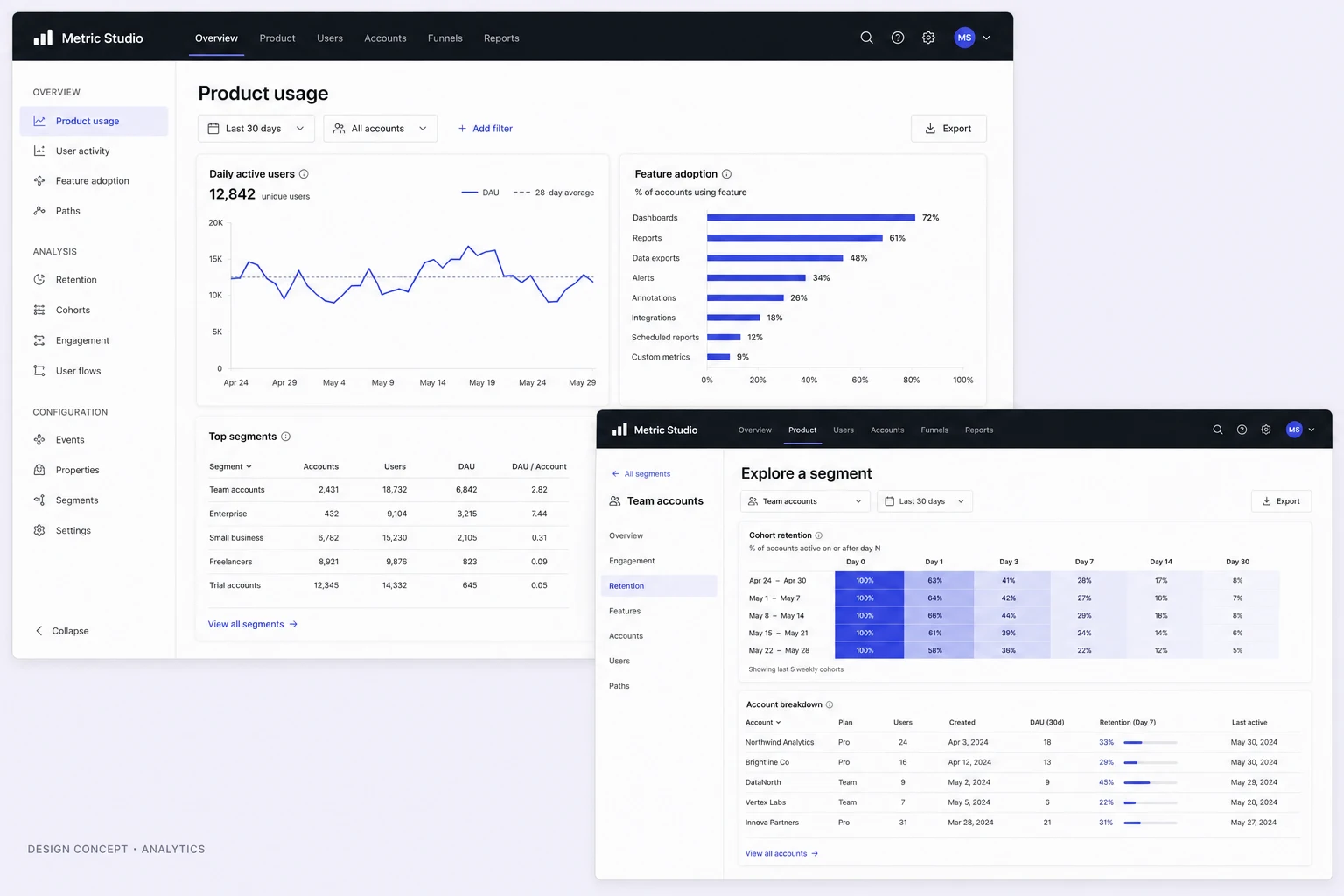
A CRM concept linking pipeline review, deal context and a follow-up draft, with proposed ownership and unsent-message states.
Design concepts, not client projects. Screens are static mockups; names and data are illustrative.
The design brief
Let a sales coordinator move from pipeline position to the context needed for a follow-up. The concept keeps drafting separate from contacting anyone.
- Designed for
- Sales staff reviewing opportunities and preparing a follow-up message.
- Constraints to consider
- Deals, people and values are fictional. The concept does not send email, forecast actual revenue or change customer records.
The proposed journey
- 01
Review the pipeline
A pipeline view organises illustrative opportunities.
- 02
Read the deal
Deal detail provides context for the selected opportunity.
- 03
Prepare a follow-up
A draft workspace presents a proposed message without sending it.
Why these design choices?
Keep stages meaningful
A pipeline stage should reflect an agreed process definition, not an assumed probability of winning.
Make unsent status explicit
A draft is preparation. Sending requires a separate action with the recipient and message available for review.
A closer look at the visual system
Proposed design specimens. These are static examples, not working controls or a production specification.
Colour roles
Pipeline canvas
#F5F7FC
Deal navigation
#315FBD
Follow-up accent
#B78B2F
Typography & spacing
Clear information. A considered next step.
Use concise sans-serif deal labels. Keep account names and ownership visible without giving sample monetary values all the emphasis.
Allow enough width for pipeline cards, then give deal notes and the message draft their own reading space.
Beyond the ideal state
No assigned opportunities
No opportunities match this owner and filter.
Draft saved
Follow-up draft saved. No message has been sent.
Recipient missing
Choose a recipient before reviewing this message for sending.
Why separate a follow-up draft from an activity record?
A draft shows intended communication; an activity record should describe what actually happened. Mixing them could make a team believe a customer has already been contacted.