Admin & dashboards · Design concept
Customer support workspace
A shared support inbox concept exploring customer conversations, assignment and internal handoff, with proposed reply and ownership states.
Design concepts, not client projects. Screens are static mockups; names and data are illustrative.
The design brief
Keep a customer conversation connected to its owner and the next internal action. This desktop concept separates queue scanning from reading a thread and reviewing a handoff.
- Designed for
- Support staff handling incoming enquiries and team leads assigning follow-up work.
- Constraints to consider
- Customer replies and internal notes have different audiences. All people, messages and records are fictional static examples; no replies are sent and no assignment is saved.
The proposed journey
- 01
Review the shared inbox
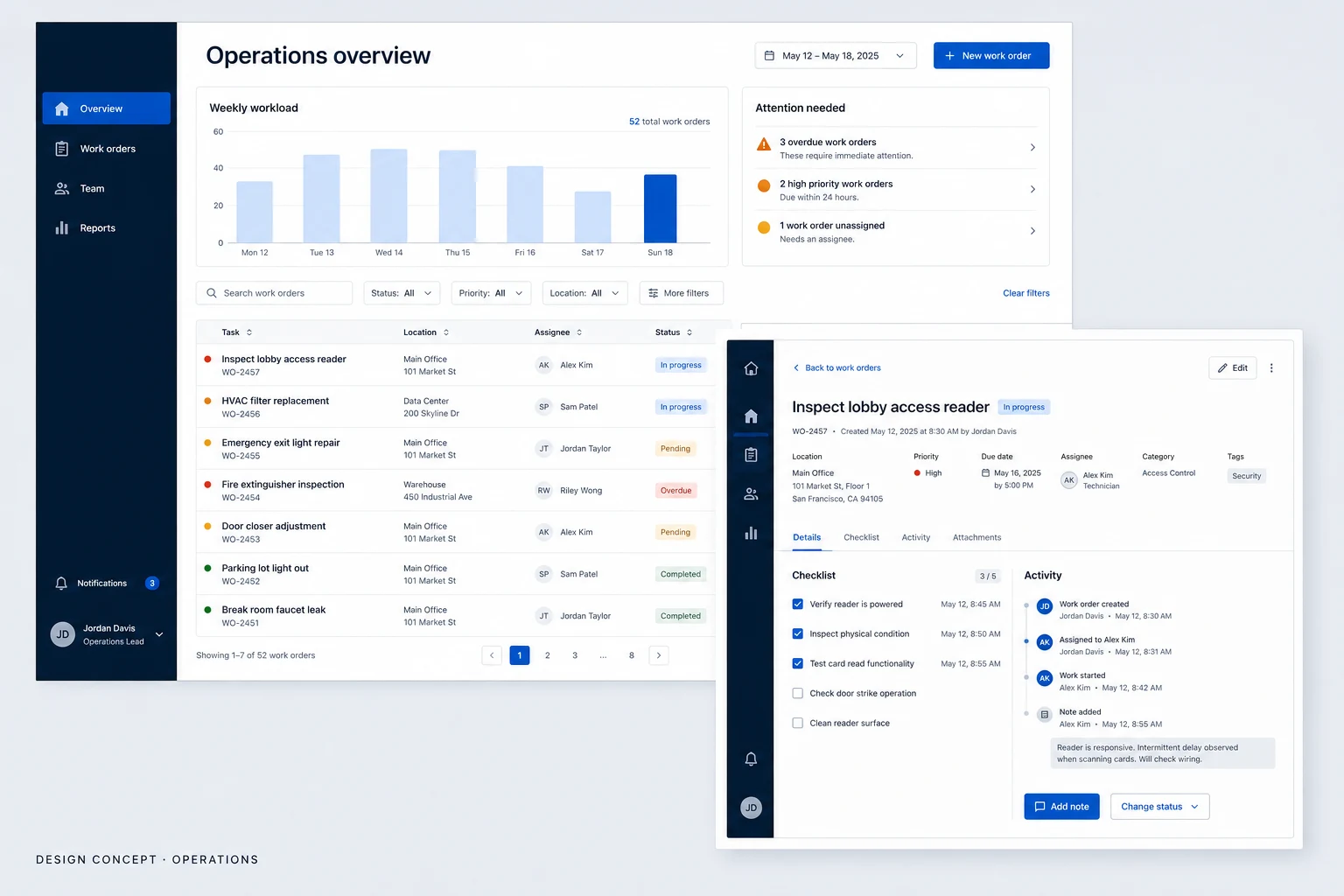
The queue shows incoming conversations with ownership and status information for triage.
- 02
Read the conversation
The selected thread gives customer messages room while keeping relevant context close to the reply area.
- 03
Review the handoff
The assignment view brings the proposed owner and internal handoff note together before the change is confirmed.
Why these design choices?
Distinguish internal and external writing
A proposed internal-note mode needs a persistent text label and a different surface treatment. Colour alone is not enough to explain who will see a message.
Make ownership explicit
The current assignee and conversation status answer different questions. Keeping them separate helps a team inspect both responsibility and progress.
A closer look at the visual system
Proposed design specimens. These are static examples, not working controls or a production specification.
Colour roles
Conversation canvas
#FFFFFF
Navigation & text
#30343B
Selected conversation
#D96F5D
Typography & spacing
Clear information. A considered next step.
Use a compact sans-serif style for the queue and a more relaxed line height for messages. Customer names, timestamps and internal-note labels need distinct emphasis.
Keep inbox rows compact for scanning. Give the conversation more width, and separate the composer from assignment controls so writing and routing do not compete.
Beyond the ideal state
Empty queue
No conversations match this view. Check another status or clear the filters.
Handoff saved
Assignment updated. The handoff note is visible to your team only.
Reply not sent
Your reply was not sent. The draft is still here; check the connection before retrying.
Why review assignment and the internal handoff note together?
A new owner needs both responsibility and context. A joint review gives staff a place to check who will take over and what remains to be done. Whether it improves handoffs would need testing with a real support team.