Admin & dashboards · Design concept
Inventory management
An inventory admin concept covering a stock list, item details and adjustment review, with proposed quantity checks and concurrent-update messages.
Design concepts, not client projects. Screens are static mockups; names and data are illustrative.
The design brief
Make a stock adjustment traceable to the item being reviewed. The concept moves from a dense list into item context, then gives the proposed quantity change a separate review step.
- Designed for
- Stock controllers and operations staff checking item quantities and preparing inventory corrections.
- Constraints to consider
- On-hand, reserved and available stock need explicit definitions in a real system. This static concept does not read warehouse records or change stock quantities.
The proposed journey
- 01
Scan the stock list
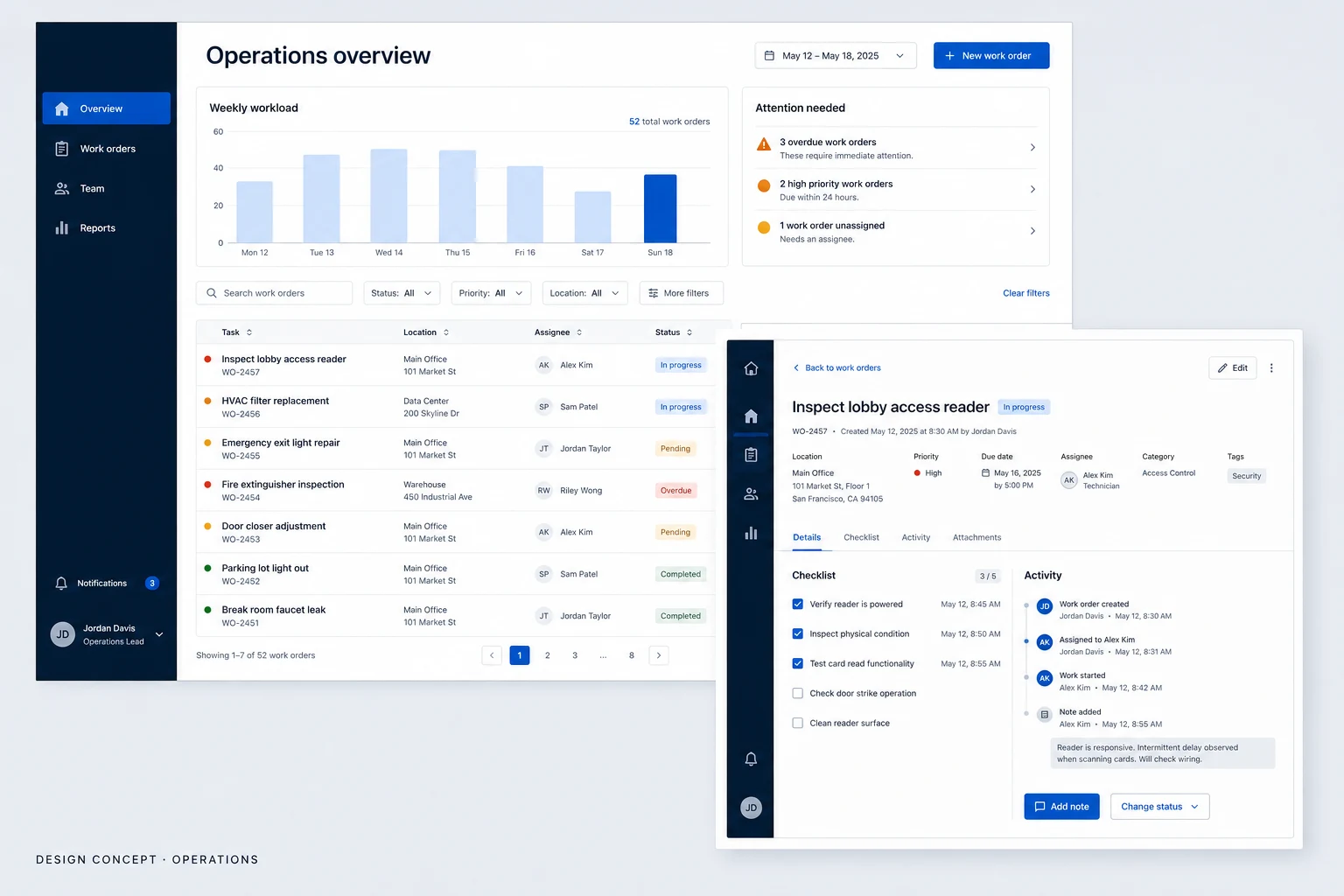
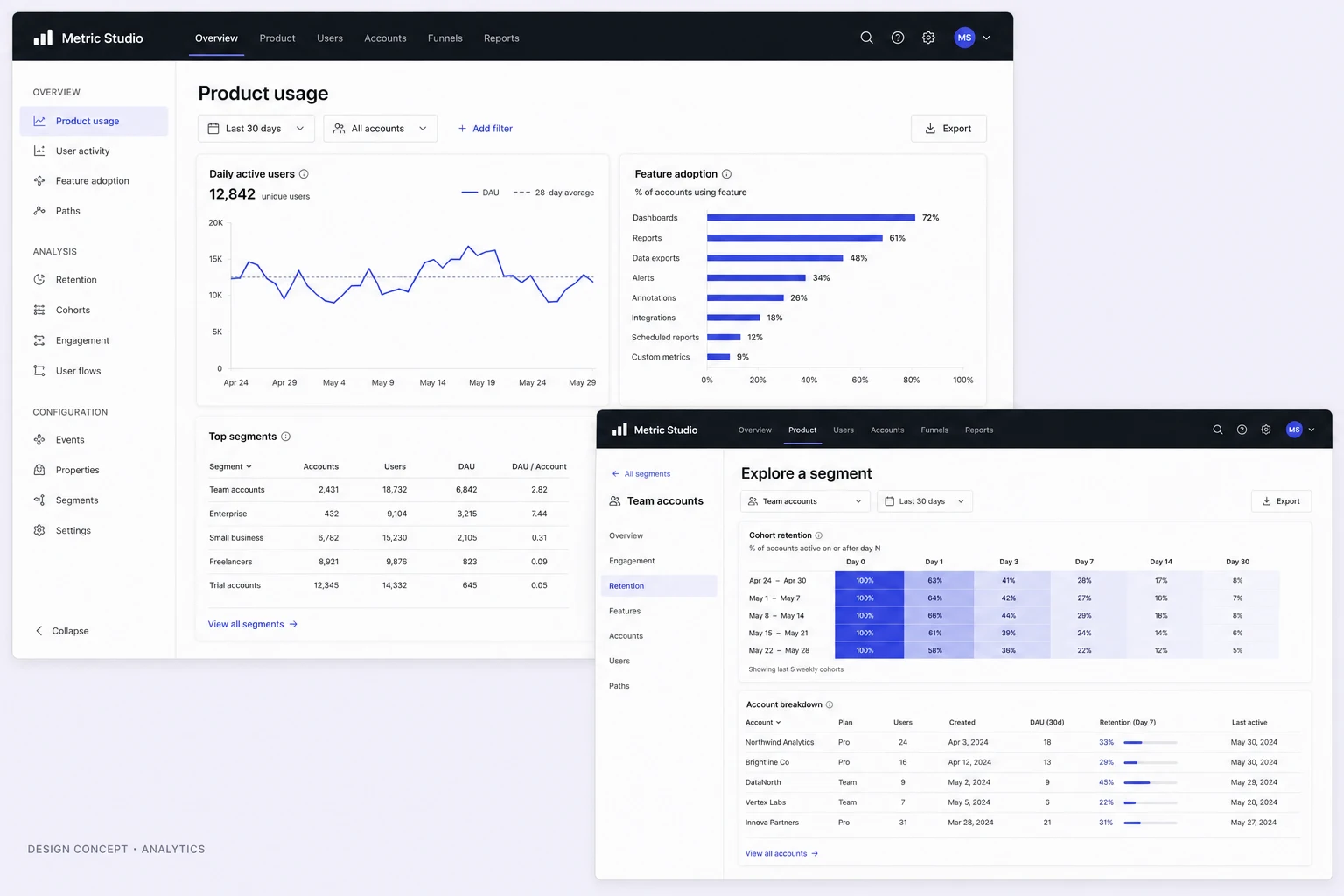
The desktop table places stock items in a consistent, compact layout for comparison.
- 02
Inspect an item
Item detail gives the selected record more space before a staff member prepares a change.
- 03
Review the adjustment
A review stage separates a proposed stock adjustment from the wider list. No change is applied by the concept.
Why these design choices?
Keep quantity meanings explicit
A stock number needs a label and unit. Production columns should distinguish physical stock from quantities already committed elsewhere.
Review changes in context
Before saving, a proposed review should identify the item, previous quantity, adjustment and resulting quantity. Permission and audit rules belong to the underlying system as well as the interface.
A closer look at the visual system
Proposed design specimens. These are static examples, not working controls or a production specification.
Colour roles
Stock workspace
#F6F8F8
Data & navigation
#263238
Selection & review
#087F78
Typography & spacing
Clear information. A considered next step.
Use a sans-serif face with clear numerals and tabular number alignment. Item names need stronger emphasis than internal references; quantity units must stay readable.
Keep table rows consistent and dense enough to compare. Give adjustment fields and their review area more space, so a high-impact action is not squeezed into a small table cell.
Beyond the ideal state
No matching items
No items match these filters. Clear a filter or search by item code.
Adjustment ready
Adjustment ready for review. Check the item and resulting quantity before saving.
Stock changed
This stock record has changed. Refresh the quantity and review your adjustment again.
Why review a stock adjustment outside the inventory table?
A table is useful for comparing many items, but offers limited space for the reason and effect of a change. A dedicated review can show the selected item and resulting quantity together. It does not replace server-side validation or an audit record.