Admin & dashboards · Design concept
Calm casework — Operations dashboard design
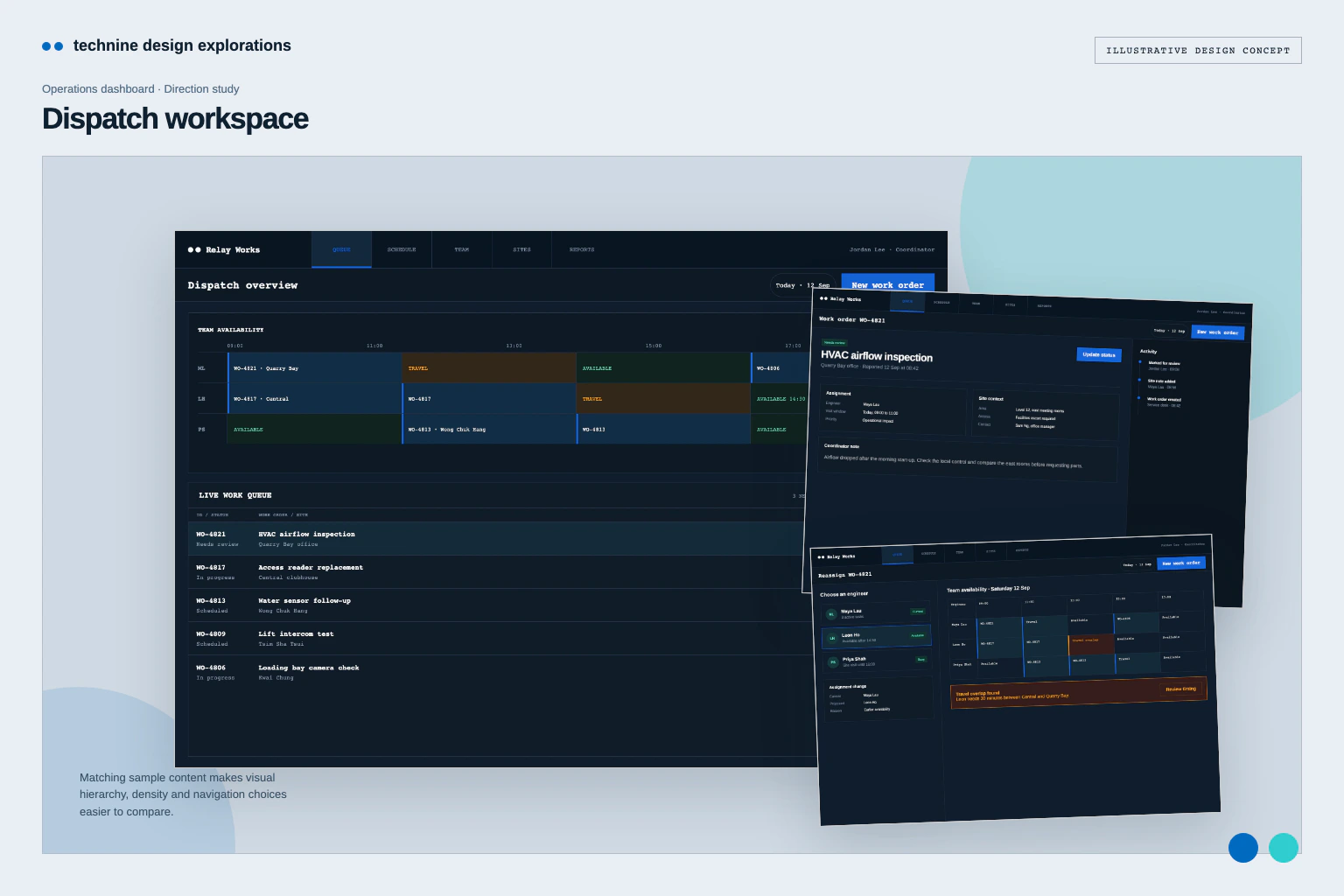
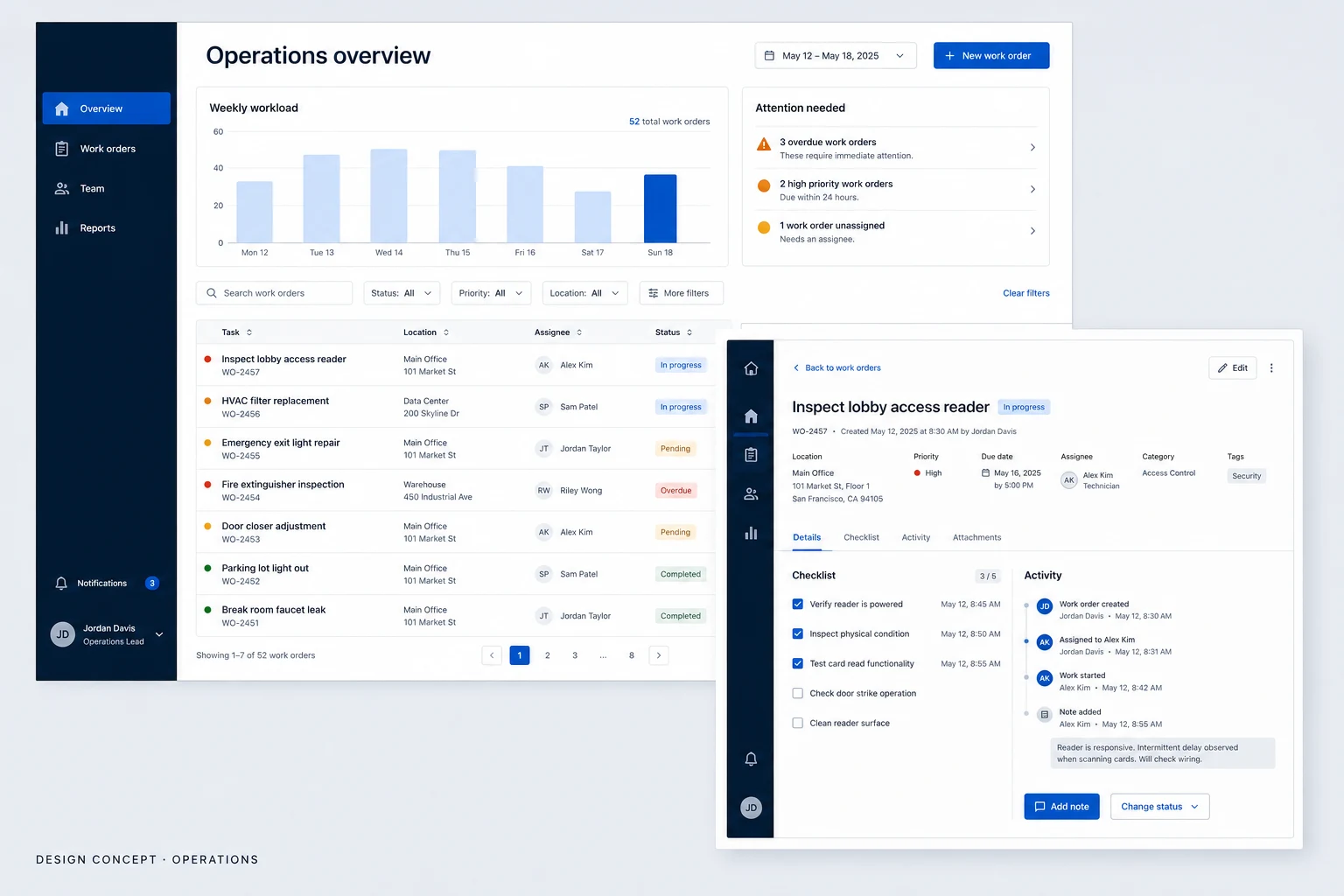
An operations dashboard concept for workload review, work orders and reassignment, using warm neutral surfaces, wider rows and focused panels.
Design concepts, not client projects. Screens are static mockups; names and data are illustrative.
The design brief
A deliberate supervisor view for working through exceptional tasks.
- Designed for
- Coordinators and team leads reviewing work orders, assignment and outstanding tasks.
- Constraints to consider
- Wider rows and focused panels must support careful review without hiding the wider workload. The queue and reassignment records are illustrative and do not change a real work order.
The proposed journey
- 01
Workload overview
Exceptions have their own area before the supervisor enters the wider queue.
- 02
Work-order review
Task details and the activity record sit together for a focused review.
- 03
Assignment review
Current and proposed assignees are compared before the change is saved.
Why these design choices?
Design decision 1
The needs-review area prevents exceptions from being lost among routine work.
Design decision 2
The reassignment screen shows the before and after owners before a change is recorded.
A closer look at the visual system
Proposed design specimens. These are static examples, not working controls or a production specification.
Colour roles
Warm work surface
#F6F1E9
Graphite structure
#303532
Focused action
#2E6955
Typography & spacing
Clear information. A considered next step.
Use a highly legible sans-serif with quiet metadata and stronger task names; use tabular figures for dates and identifiers.
Give rows a little more vertical space than a dispatch view, and separate review sections with calm dividers.
Beyond the ideal state
Filtered empty state
No work orders match these filters. Clear a filter to see more tasks.
Assignment saved
Assignee updated. The work order remains open.
Edit conflict
This work order changed while you were editing. Review the latest version before saving.
Why show the previous and proposed owner together?
A supervisor can check the reassignment before recording it. The wider review panel gives the change more attention, at the cost of showing fewer queue details alongside it.