
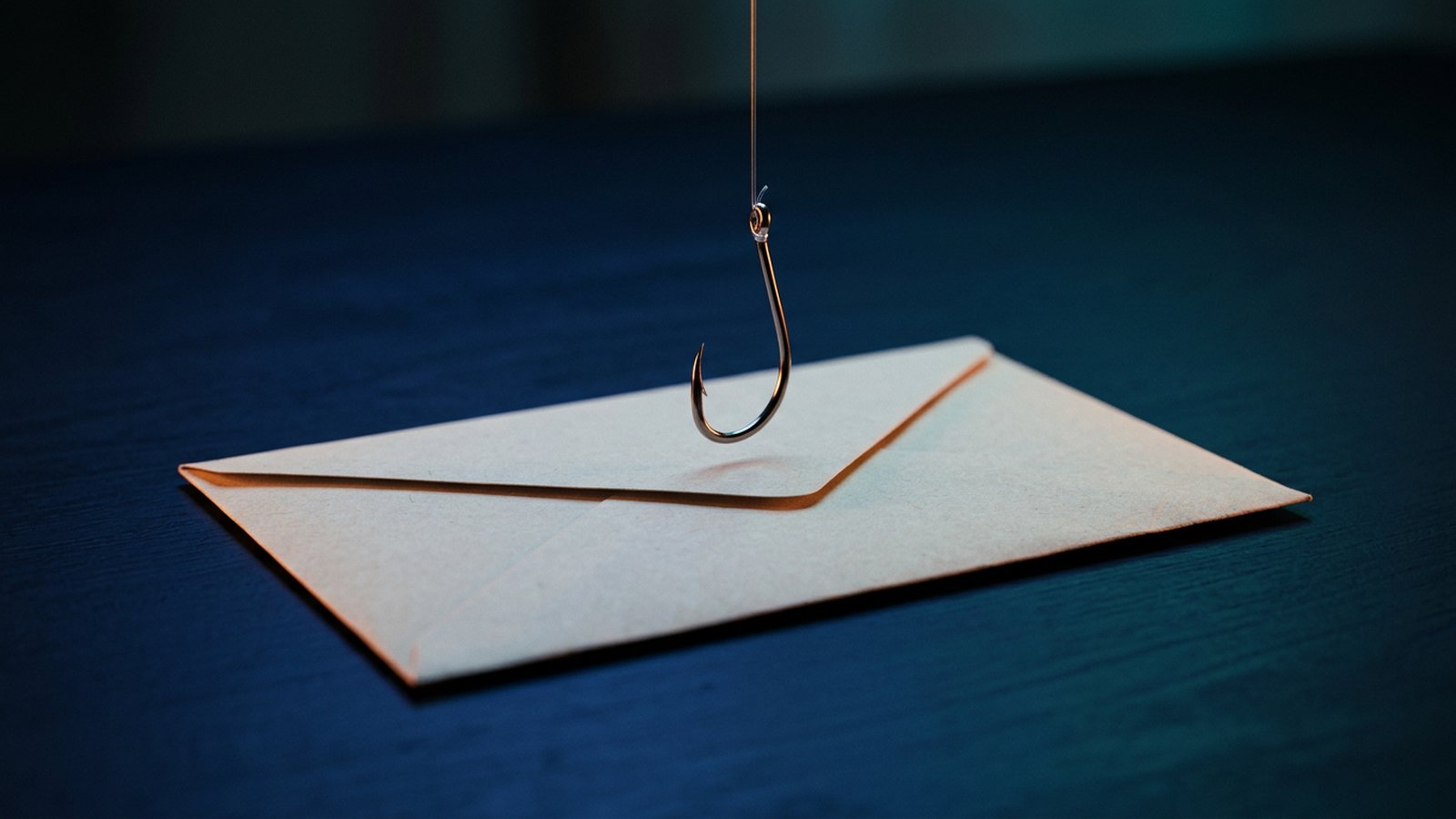
Phishing is a scam in which someone pretends to be a trusted person or organisation, usually by email, text message or chat, to trick people into revealing passwords, approving payments or opening harmful files. It targets people rather than systems: one convincing message to the right staff member can be enough to hand over an email account or redirect a supplier payment.
It works because it borrows trust: the message seems to come from your bank, a courier, a supplier or your boss, and it pushes you to act quickly. Phishing is also a common way in for ransomware.
Common types of phishing
- Email phishing: mass emails imitating well-known services, such as a "full" mailbox or a missed parcel, linking to a fake login page or a harmful attachment.
- Spear phishing: a message tailored to one person or company, using names, projects or suppliers found online.
- Business email compromise (BEC): an attacker uses a hacked or look-alike email account to pose as a director, colleague or supplier and asks for a payment, new bank details or confidential documents.
- Smishing and chat phishing: the same tricks sent by SMS, WhatsApp, WeChat or other messaging apps, often with shortened links.
- Voice phishing (vishing): a phone call from someone claiming to be IT support, a bank or an authority, sometimes asking you to read out a one-time code.
- QR code phishing: a QR code in an email, letter or poster that opens a fake login or payment page and is harder to inspect than a link.
Warning signs to look for
No single sign proves a message is phishing, and well-made scams may show very few. Treat these as reasons to pause and check.
- Urgency or pressure: "pay today", "your account will be closed", or a request to keep something secret from colleagues.
- Unexpected requests: a new payment, a change of bank details, gift cards, or a login you did not start.
- Sender details that do not quite match: a slightly misspelled domain, a free email address for a company contact, or a reply-to address that differs from the sender.
- Links that go somewhere else: the address shown when you hover over or long-press a link does not belong to the organisation it claims to be from.
- Requests for codes or passwords: legitimate IT teams and banks do not normally ask you to read out a one-time code or type your password into a page they sent you.
- Unusual attachments: compressed files, macro-enabled documents or "invoices" you were not expecting.
How to reduce the risk
People will occasionally click, so aim to make phishing harder to send, easier to spot and less damaging.
- Turn on multi-factor authentication: require MFA for email, cloud services and finance systems, so a stolen password alone is not enough. Where possible, prefer phishing-resistant methods such as passkeys or security keys.
- Use a password manager: a password manager will not normally autofill on a look-alike address, which helps staff notice a fake login page.
- Protect your email domain: set up SPF, DKIM and DMARC so that others find it harder to send email that appears to come from your domain. If fake sites copy your brand to target customers, see protecting customer trust from brand phishing.
- Use email filtering: turn on your email platform's anti-phishing filters and label messages from outside the company.
- Verify payment changes out of band: confirm any new payee or change of bank details by calling a known number already on file, not one given in the message. Our article on deepfake scams and verification workflows covers voice and video requests.
- Train and make reporting easy: use short, regular reminders, give staff one simple way to report a suspicious message, and thank them for reporting, even their own mistakes.
What to do if someone clicks
- Report it straight away: tell your IT contact or provider what was clicked, opened or entered. Speed matters more than blame.
- Change the password from a clean device: reset the affected account and any other account that used the same password, and sign out other active sessions.
- Check the mailbox: look for new forwarding rules, filters or connected apps that the attacker may have added.
- Contact the bank quickly if money was sent: ask your bank to try to stop or recall the payment, and report the case to the Hong Kong Police Force at a police station. For advice on a suspected scam, call the police's 24-hour Anti-Scam Helpline 18222.
- Check personal data obligations: if personal data may have been accessed, ask your legal or compliance advisers about any notification steps.
Frequently asked questions
Can AI make phishing harder to spot?
Yes. AI tools can help attackers write fluent, personalised messages in several languages, so spelling mistakes are no longer a reliable sign. Focus on the request itself: unexpected payments, changes of bank details, logins and codes should always be verified.
Does MFA stop phishing completely?
MFA blocks many attacks that rely on a stolen password, but some phishing kits capture one-time codes or session cookies in real time. Phishing-resistant methods such as passkeys and security keys are harder to bypass, and should be combined with filtering, training and payment checks.
If you would like help reviewing your email security, MFA setup or staff awareness, see our cybersecurity and compliance services.