
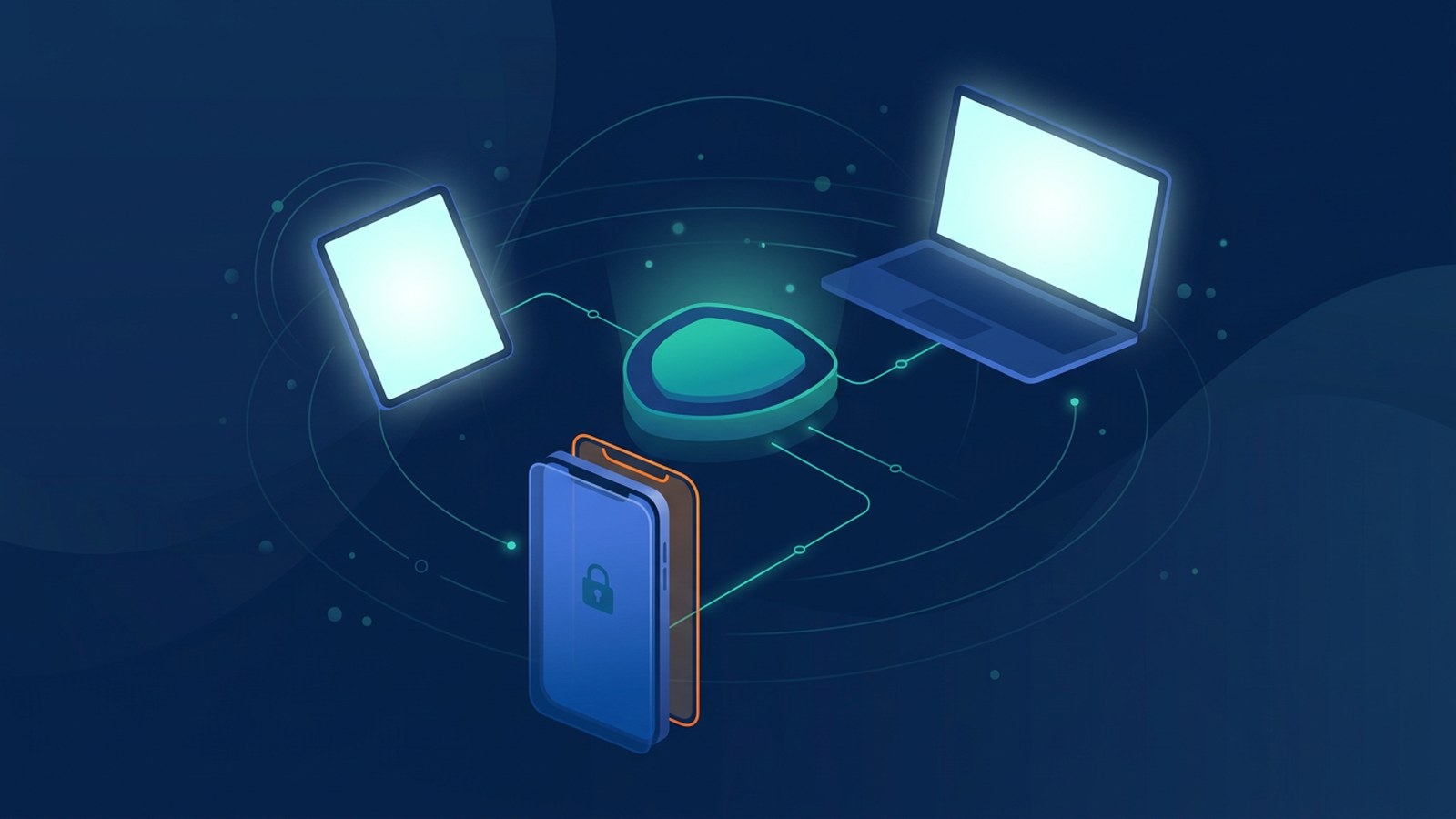
Mobile device management (MDM) is software that lets a business register, configure and secure the phones, tablets and laptops its staff use for work, all from one central console. With MDM, an administrator can require a screen lock, push approved apps and settings, check that devices are up to date, and lock or erase a device that is lost, stolen or no longer in use.
In a small or medium-sized business, work email, chat, customer files and banking apps often sit on a handful of phones and laptops. When one goes missing or an employee leaves, MDM helps you keep control of the company data on it.
What MDM can do
- Enrolment: register each device with the company, ideally before it is handed to the employee, so it arrives with the right settings.
- Security policies: enforce a passcode or biometric lock, device encryption and automatic screen timeouts.
- App and settings management: install, update or remove work apps, and pre-configure Wi-Fi, email and VPN profiles.
- Update checks: see which devices are running outdated operating systems and prompt or schedule updates as part of patch management.
- Inventory: keep a current list of devices, models, owners and status.
- Remote lock and wipe: lock a lost device or erase company data when it cannot be recovered or when someone leaves.
Related terms you may see
Vendors use several overlapping names. Mobile application management (MAM) controls only work apps and their data, not the whole device. Enterprise mobility management (EMM) and unified endpoint management (UEM) usually mean broader suites that cover phones, tablets and computers together. Many cloud office and identity platforms include some of these features, so check what you already pay for before buying another tool.
MDM is also different from endpoint detection and response (EDR). MDM sets up and enforces how a device is configured. EDR watches for suspicious activity on the device and helps respond to attacks. Many businesses use both.
Company devices vs staff-owned devices (BYOD)
How much control is appropriate depends on who owns the device.
- Company-owned devices can usually be fully managed: settings, apps, updates and a full wipe when the device is retired.
- Staff-owned devices (bring your own device, or BYOD) also hold personal photos, messages and family information. A lighter approach often fits better, such as a separate work profile or app-level controls, so that only company data and apps are managed and can be removed.
In Hong Kong, the Office of the Privacy Commissioner for Personal Data (PCPD) has published a BYOD information leaflet. It reminds organisations that they remain responsible under the Personal Data (Privacy) Ordinance for personal data they collect, even when it sits on an employee's own device, and that protective measures should respect employees' private information. It suggests measures such as keeping data in company systems where possible, separate access controls, encryption, separating work data from other apps, and a written BYOD policy with a risk assessment. Seek your own legal advice on how this applies to your business.
How MDM fits into wider security
MDM works best alongside other basic controls:
- Multi-factor authentication on email and cloud accounts, so a stolen phone or password is not enough on its own.
- A password manager for shared and individual work logins.
- Role-based access control, so each device and user only reaches the systems they need.
- A zero trust approach, where sign-in rules can check whether a device is managed and up to date before granting access.
Getting started: a simple plan for SMEs
- List your devices: who has which phone, tablet or laptop, who owns it, and what company data or apps it holds.
- Write a short device policy: minimum requirements (screen lock, encryption, updates), what the company can and cannot see, and what happens when a device is lost or someone leaves.
- Choose the right level of control: full management for company devices; work profiles or app-level controls for personal devices.
- Pilot first: enrol a few devices, check that email, chat and business apps still work, then roll out to everyone.
- Plan for offboarding and loss: make remote lock and wipe part of your leaver checklist and your incident response plan.
Example scenario: a sales manager leaves a tablet in a taxi. Because the tablet is enrolled, the office manager locks it within minutes, signs the user out of email and, when it is not found, wipes it remotely. This is a hypothetical scenario, not a description of any specific client.
Frequently asked questions
Can MDM read my staff's personal messages or photos?
That depends on the product, the enrolment type and how it is configured. Work profiles and app-level controls are designed to keep company and personal data apart. Tell staff clearly what the company can and cannot see before enrolling any device.
Do small businesses really need MDM?
If staff use phones or laptops for work email, customer data or payments, some form of device management is worth considering. For a very small team, the features built into your existing cloud office or identity platform may be enough to start.
If you would like help planning device policies, sign-in controls and data protection, see our cybersecurity and compliance services. For ongoing device and system maintenance with agreed response times, see managed support and SLA.