Websites · Design concept
Technical navigator — B2B website design
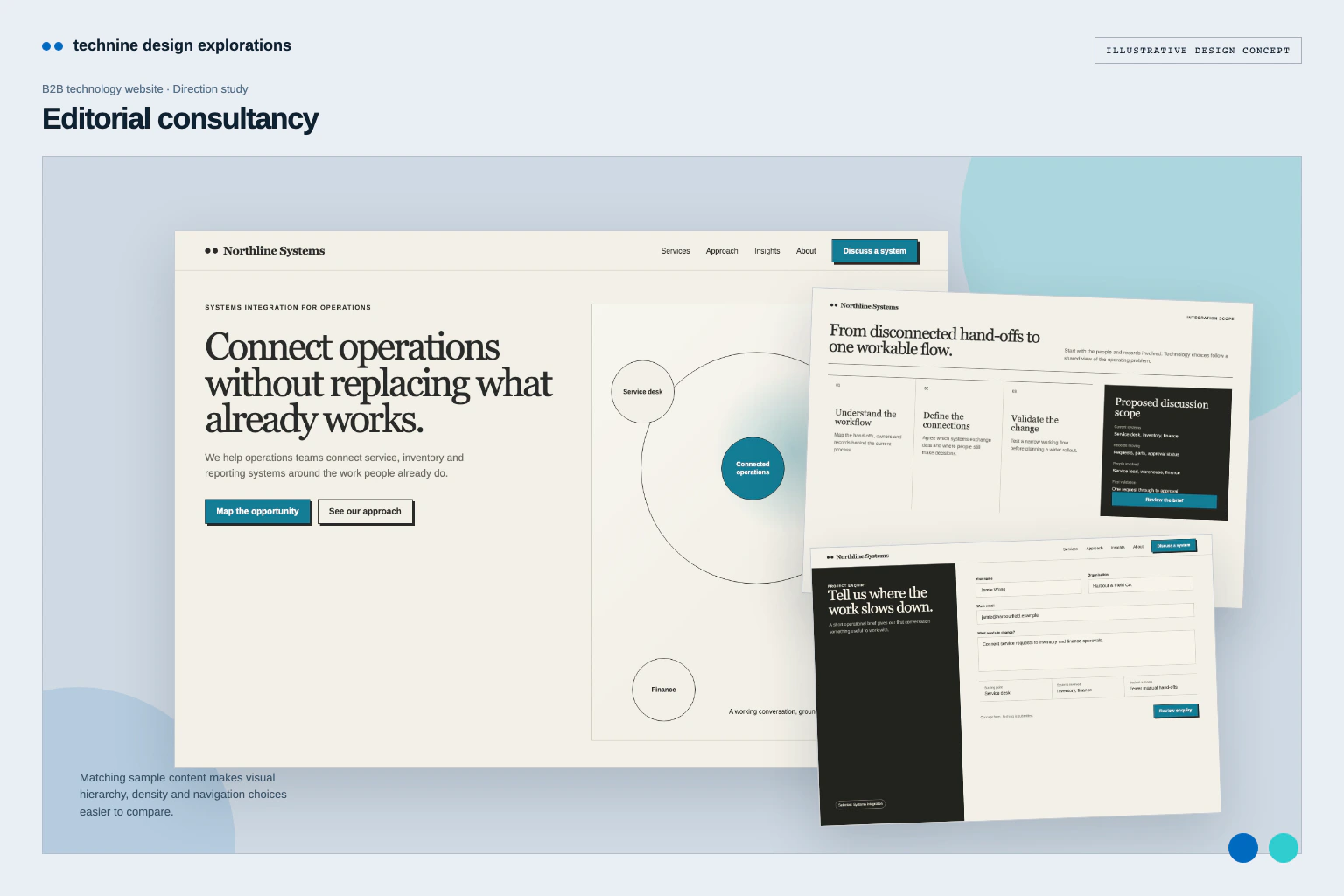
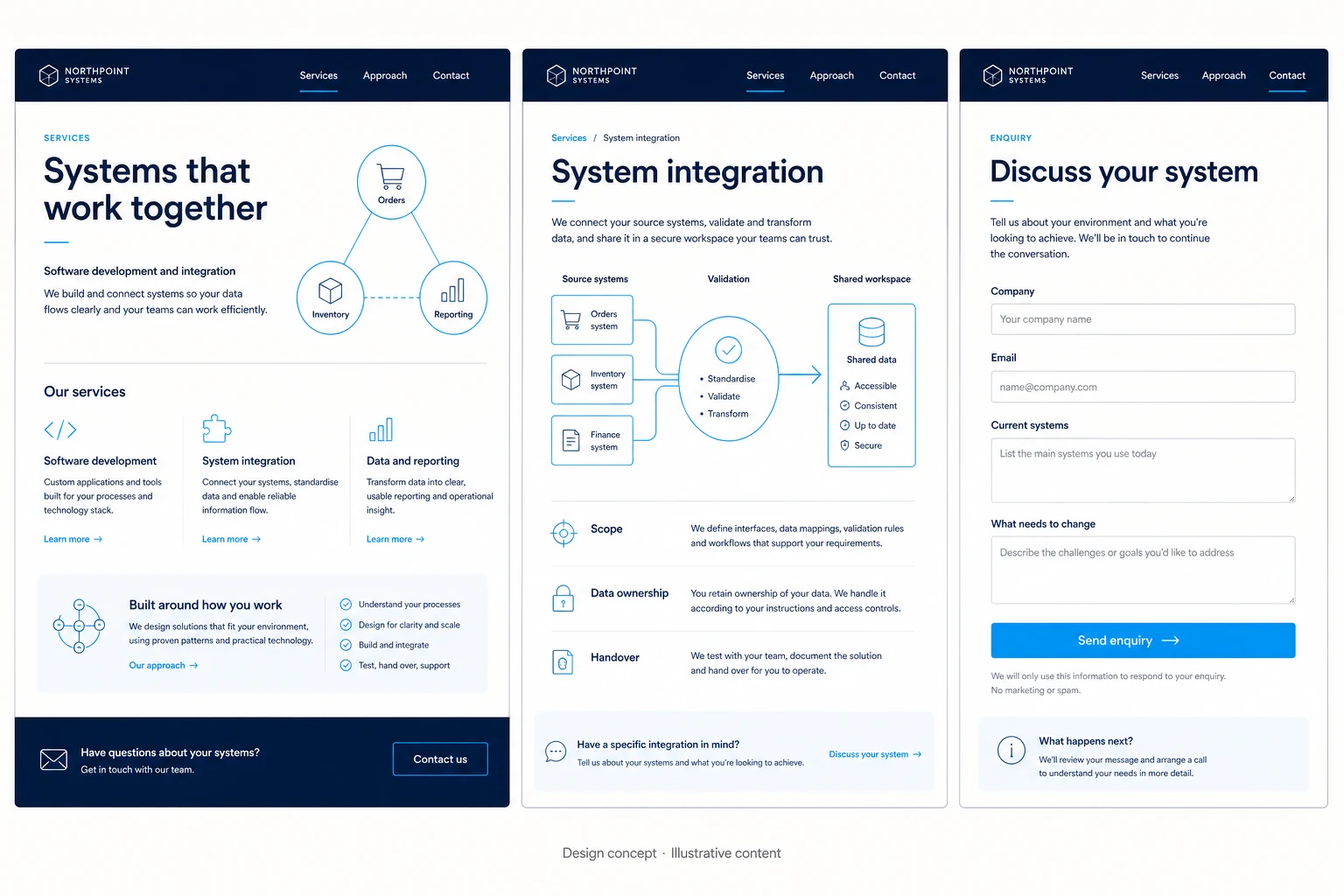
A B2B technology website concept for service pathways, system dependencies and ownership, using deep navy panels, compact labels and cyan links.
Design concepts, not client projects. Screens are static mockups; names and data are illustrative.
The design brief
A structured direction for mapping dependencies before a project discussion.
- Designed for
- Operations managers and technology stakeholders assessing a software or integration provider.
- Constraints to consider
- Compact modules must show dependencies and ownership without turning the page into a live operations tool. The maps are illustrative and do not query systems or calculate scope.
The proposed journey
- 01
Service pathways
Modular pathways help buyers enter through a recognisable operational need.
- 02
Dependency map
Scope is explained through systems, owners and the records that need to move.
- 03
Discuss the system
The selected pathway carries useful context into the enquiry.
Why these design choices?
Design decision 1
The active route keeps the selected operational problem visible while scope is being explored.
Design decision 2
Cyan lines describe relationships between systems; they do not imply live data or product functionality.
A closer look at the visual system
Proposed design specimens. These are static examples, not working controls or a production specification.
Colour roles
Navigator field
#0B1E33
Working surface
#0D1A2A
Active connection
#31CDCF
Typography & spacing
Clear information. A considered next step.
Use a crisp sans-serif with tabular figures and compact labels; reserve larger type for the buyer’s operational goal.
Use a persistent context rail and compact modules, with a clear gap between decision-making areas.
Beyond the ideal state
Scope not yet defined
Not sure which service fits? Describe your current systems and the change you need.
Enquiry ready
Your project outline is ready to review. Check the contact details before sending.
Missing project context
Add a short description of the system or workflow you want to discuss.
Why use a compact dependency map?
It lets a project team discuss systems, owners and records in one view. The compact layout brings more dependencies together, but needs clear labels for readers unfamiliar with the systems.