Mobile apps · Design concept
Learning app
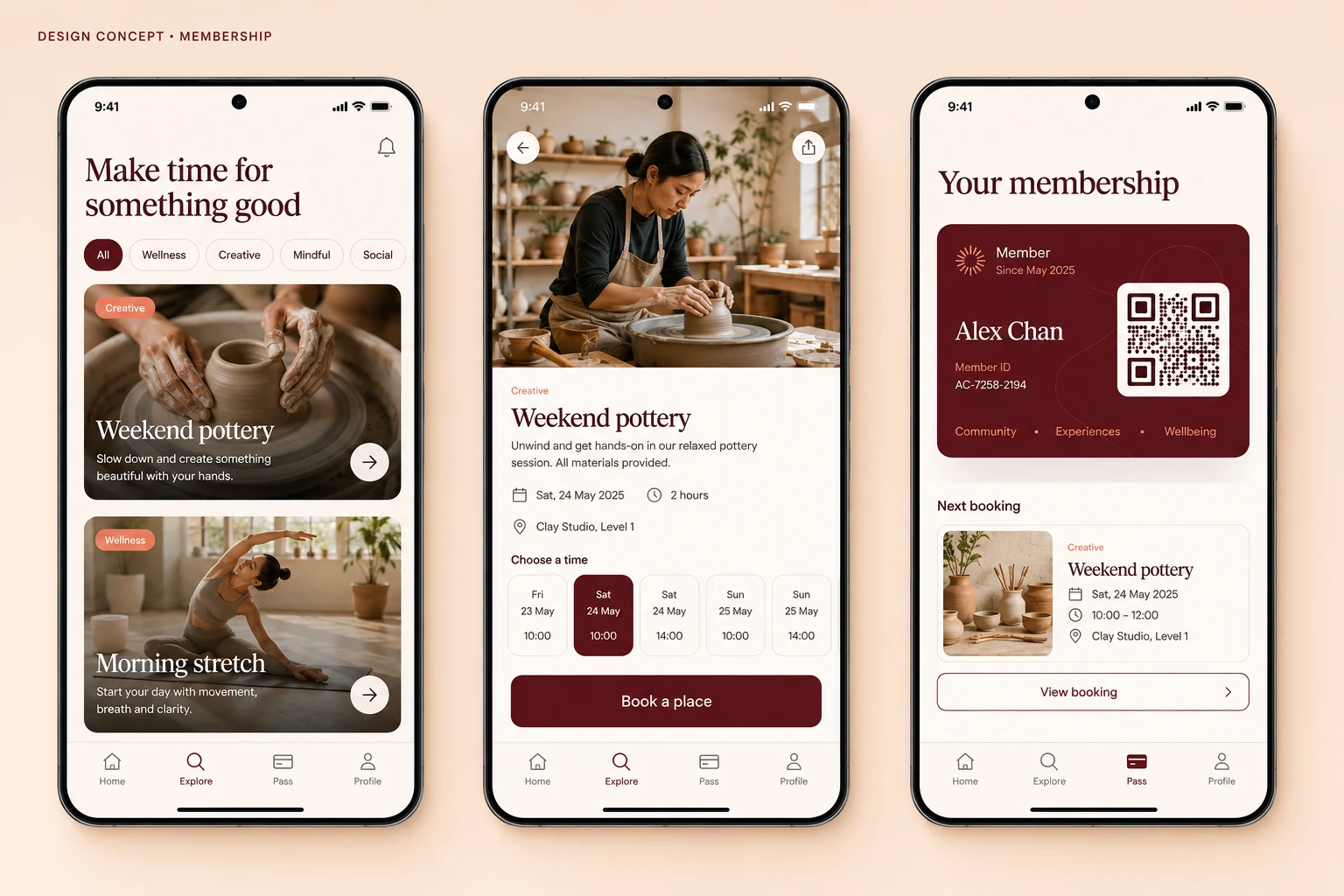
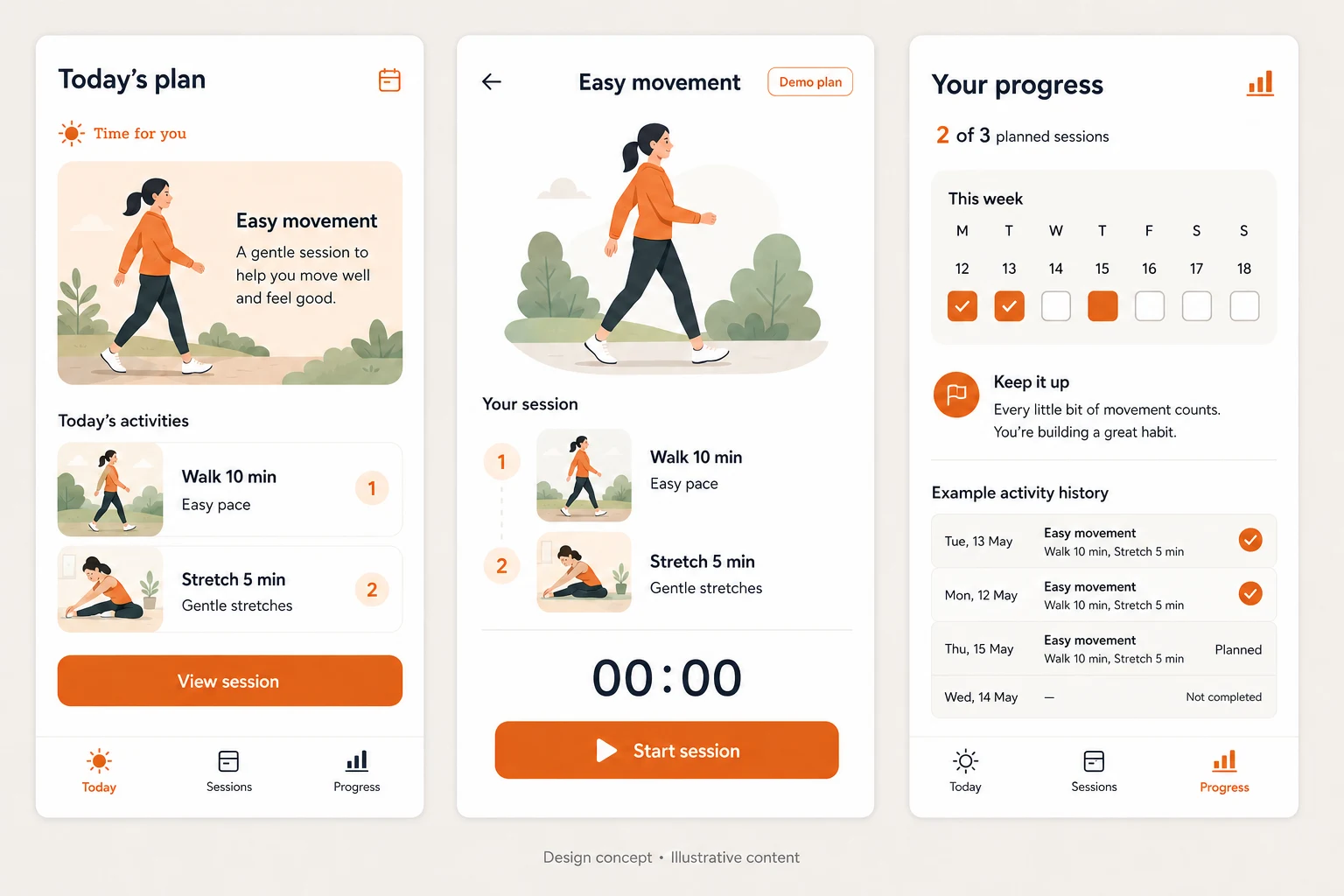
A learning app concept connecting course discovery, lesson two of six and a 33% progress view, with proposed resume and loading states.
Design concepts, not client projects. Screens are static mockups; names and data are illustrative.
The design brief
Help a learner move from choosing a course to knowing where they are within it. The concept gives lesson position and progress distinct, readable labels.
- Designed for
- Learners browsing short courses and returning to an unfinished lesson sequence.
- Constraints to consider
- Courses and progress are illustrative. The 33% figure is a rounded sample completion count, not evidence of understanding or a qualification.
The proposed journey
- 01
Choose a course
Course discovery presents learning options before opening a lesson.
- 02
Open lesson two
The lesson screen identifies its position as lesson two of six.
- 03
Check progress
A progress view uses 33% as a sample course-completion indicator.
Why these design choices?
Keep a learner’s place visible
A lesson title and position provide context when returning to a course. They should remain separate from playback or reading controls.
Explain completion
A proposed progress rule must state what counts as completing a lesson. Opening content should not silently imply that a learner has mastered it.
A closer look at the visual system
Proposed design specimens. These are static examples, not working controls or a production specification.
Colour roles
Learning canvas
#F4F4FF
Lesson actions
#6159CB
Lesson text
#282B49
Typography & spacing
Clear information. A considered next step.
Use readable sans-serif lesson text, with a clear distinction between course title, lesson title and sequence label.
Group related course cards, then give lesson content a calmer reading area. Place resume controls near the lesson context.
Beyond the ideal state
Course not started
Start the first lesson when you are ready.
Progress saved
Progress saved: 2 of 6 lessons complete, shown as 33%.
Lesson unavailable
This lesson could not be loaded. Try again without changing your saved progress.
What should a course progress percentage mean?
It should reflect a defined completion rule and visible lesson count. In this sample, two of six rounds to 33%. It does not establish comprehension, which would require a different assessment.