Mobile apps · Design concept
Active companion — Membership app design
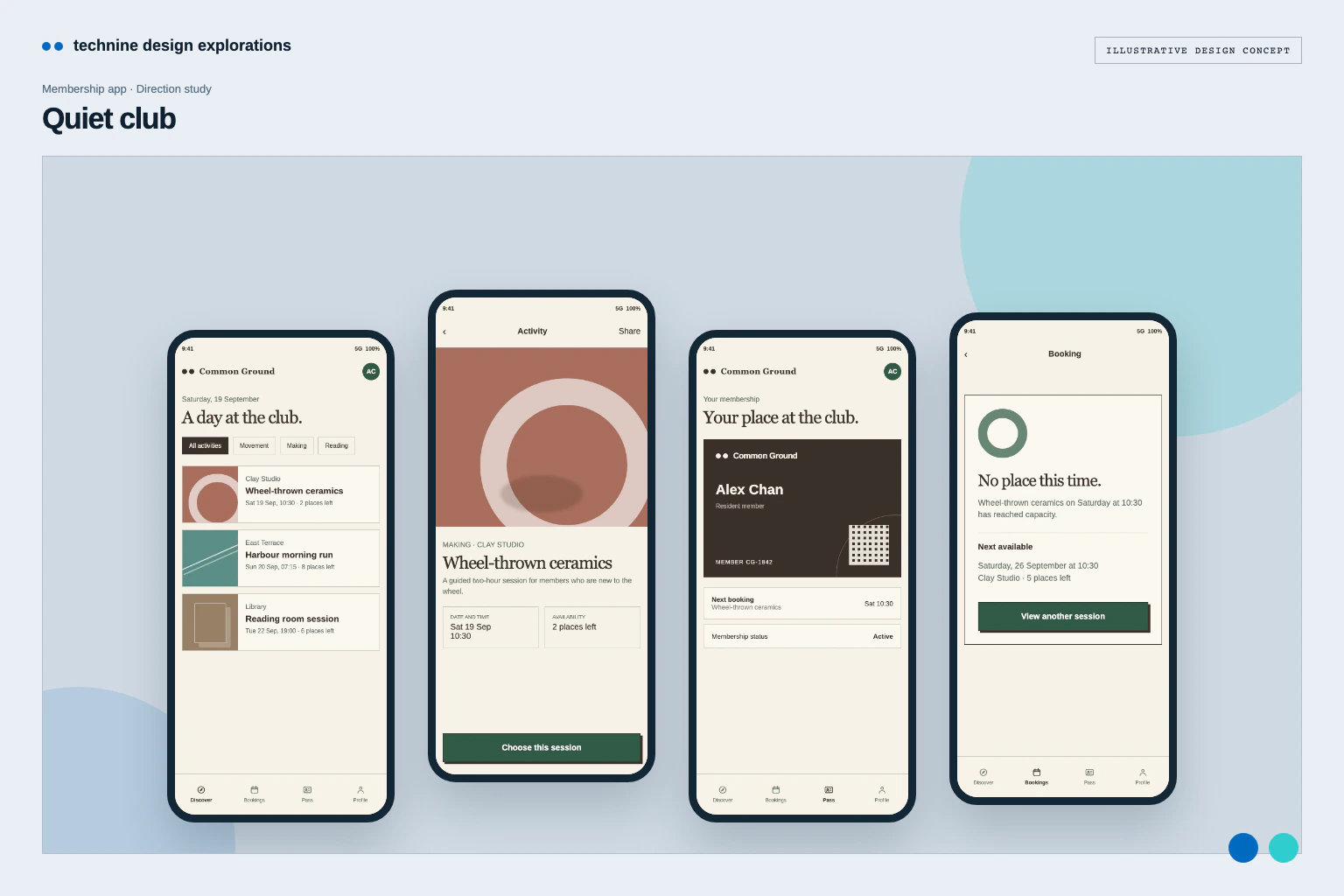
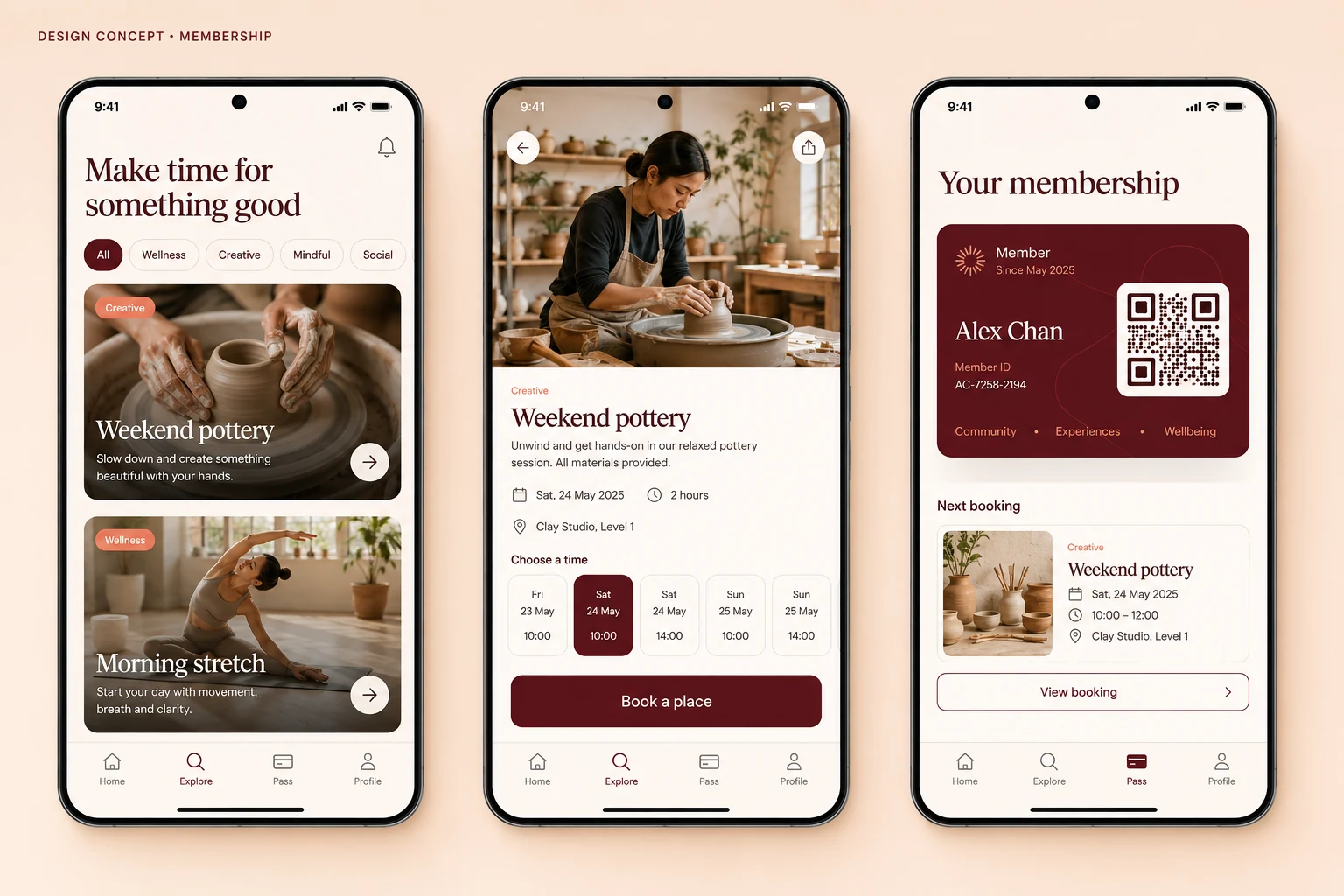
A membership app concept for weekly activity planning, capacity checks and an access pass, using cobalt structure and citrus accents.
Design concepts, not client projects. Screens are static mockups; names and data are illustrative.
The design brief
A practical, high-energy direction for planning across the week and accessing membership details.
- Designed for
- Members exploring workshops and wellbeing activities, choosing a time and presenting their membership details.
- Constraints to consider
- The weekly view must make session time and written capacity quick to scan on a phone. The calendar, pass and booking state are illustrative and do not reserve a real place.
The proposed journey
- 01
This week’s activities
A five-day selector leads into a time-first list with venue and written capacity.
- 02
Book a time
Session information is organised for quick checking before a booking choice.
- 03
Access pass
A high-contrast pass makes membership details direct to find at the venue.
Why these design choices?
Design decision 1
The selected day sits above a time-first list, so members can compare the week before choosing a session.
Design decision 2
Capacity is written beside the activity and venue; citrus supports the action without replacing that information.
A closer look at the visual system
Proposed design specimens. These are static examples, not working controls or a production specification.
Colour roles
Cool canvas
#E8EEF0
Cobalt structure
#1858C8
Citrus availability
#D7E94E
Typography & spacing
Clear information. A considered next step.
Use a bold sans-serif for session timing and a clear neutral face for detail, labels and pass information.
Keep the five-day selector light, then give the selected day’s time list and primary action a protected area.
Beyond the ideal state
No upcoming booking
You have no upcoming bookings. Browse activities to find a session.
Booking confirmed
Your place is booked. View the time and venue in your upcoming booking.
Session full
This time slot is now full. Choose another session.
Why lead with a five-day schedule?
Members can compare a short week before opening a session. This prioritises available time over large activity artwork; written capacity remains beside each activity.