
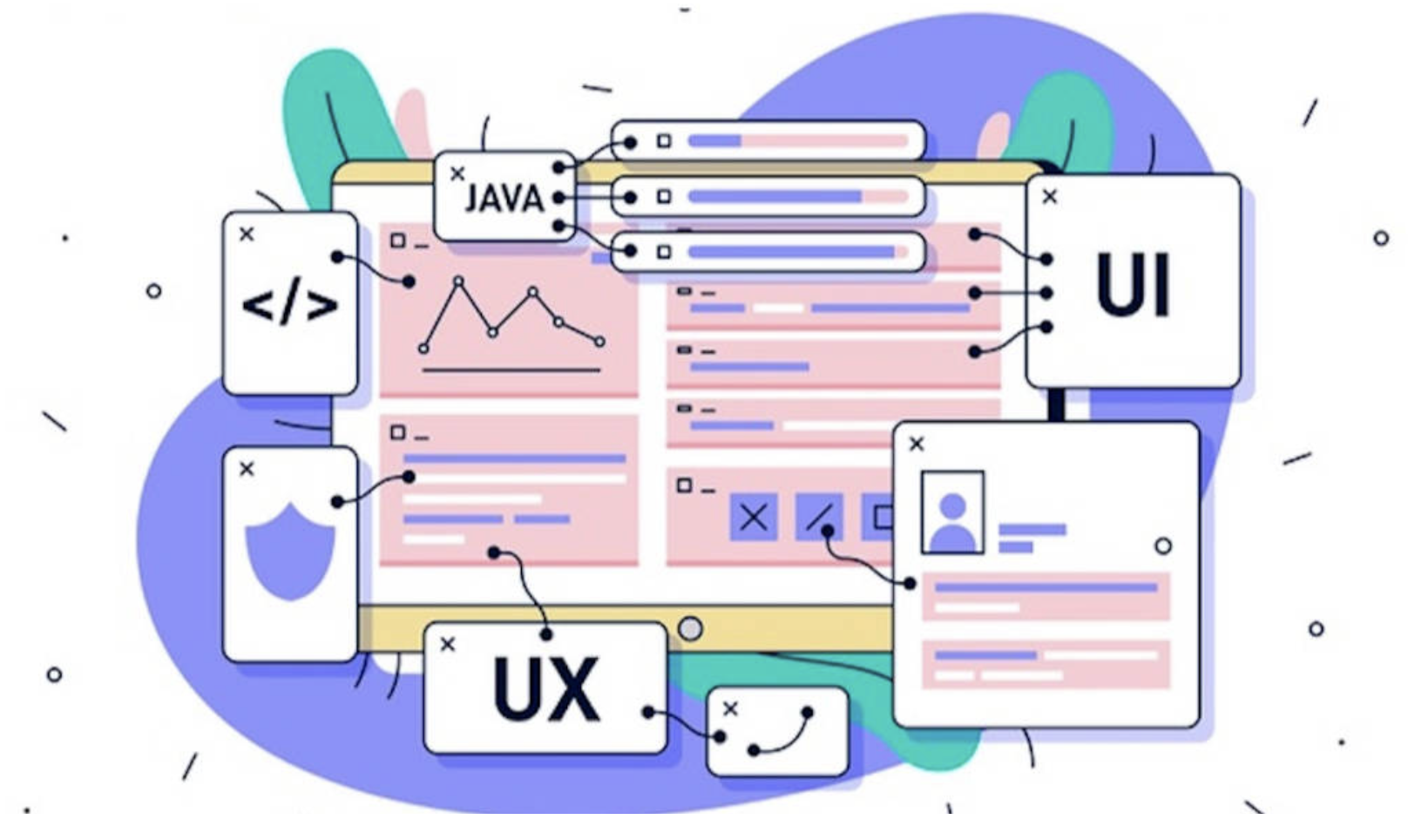
The first thing that attracts visitors to a website is often its design. Different design choices create different visual effects. A refined and engaging website design helps visitors remember your brand, increases engagement and improves conversion rates. If the experience is strong, visitors may even return.
Website Design Effects
This article introduces several common website visual effects to inspire web design and help you create a distinctive, high-quality site that leaves a strong impression on potential customers.
1. Dynamic Search Bar
“Less is more” is a common principle in modern design. Minimalism removes unnecessary elements and emphasizes essential visual effects within a basic structure. This lets users notice important website functions without extra text, animation or decoration.
A search bar is useful in this context. Users can quickly search for the information they need. Some websites also add popular search results under the search bar to enrich both design and function.
2. Hover Reveal
Hover reveal adds richer visual effects to website design. When the cursor moves over an image or text with this effect, a new image or text design appears, adding polish to the overall page.
Designers can also use hover reveal to present unique brand stories, making the website more layered and memorable while improving user experience.
3. Shading
Moderate shadows can create depth, make objects feel more realistic and emphasize important elements. In web design, shadows can be added to different page materials. Even subtle shadows can highlight important areas and make the overall visual effect stronger.
4. Back to Top
Many businesses choose one-page websites because they are convenient and fast. Visitors can browse the whole site by scrolling down. But when they want to return to top content, scrolling all the way back can be frustrating. A simple Back to Top button shortens the user journey and improves experience.
5. SVG Animation
Designers often use icons instead of text to help users understand information. Adding animation can attract customers, and website elements such as menus and feedback states can all use animation to create unexpected interactions and visual effects.
6. Animation
Animated imagery is different from simple movement. It can work like a short video with content and is often integrated into website background design. Motion can create interaction with users while improving visual appeal.
7. Gallery or Banner Slider
Slideshows are common on many websites. They can automatically display different images so users can view content without manual operation. This can improve user experience, but designers must control the number of images and playback speed. If the speed is too slow, users may become impatient.
8. Stylish Typography
Some websites contain a lot of content, and long plain text can lack appeal. To keep users engaged, designers can use bold typography to highlight key headings and attract attention directly.
The essence of web design is to increase user engagement, extend time on site and create more sales opportunities. Good web design is not just an attractive presentation; it creates a tasteful and well-structured environment that improves interaction, visual effect and user experience.
Translation supported by AI.
Putting this into practice
Define the customer journey, backend connections and maintenance responsibilities for your website or portal.